

 HANDS ON SharePoint
 HANDS ON Teams
 HANDS ON Lists
 HANDS ON tek
 M365 Admin
Hands-On Microsoft 365 Pulse – Weekly Updates (Week 2)
Welcome to the first Pulse update of 2026! You might still be stretching your muscles after a well-deserved break, but Microsoft 365 is already at full speed delivering update after update. And leading the charge this year is Microsoft Teams, which kicked off January with major improvements to private channels.
Private channels now align with shared channels for compliance, making governance simpler and more consistent. Teams also scales up with higher channel and member limits plus the ability to schedule meetings in private channels—bringing more flexibility and better collaboration to your organization.
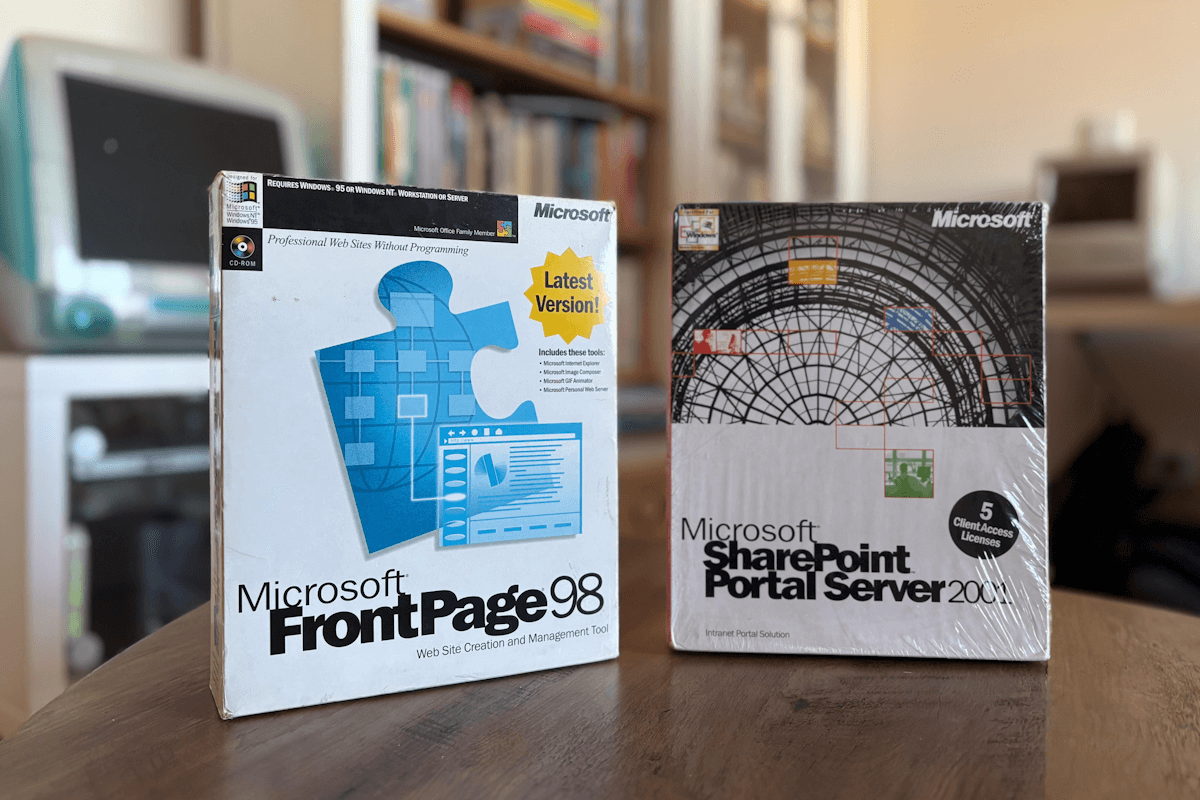
I started the year celebrating the 14th anniversary of Hands-On tek and already looking ahead to the 25th anniversary of SharePoint, sharing a fun fact that might surprise you. On top of that, I published a practical guide to help organizations still struggling with Microsoft Lists adoption, so you can make the most of this powerful tool.
As always, there’s a bunch more to explore — check out the full list below. Let me know in the comments what your favorite update was this week, or what you’re hoping to see next. I’m curious to hear what caught your eye!
Microsoft Purview
Microsoft Purview | Data lifecycle Management cmdlet connectivity change
Microsoft Purview: Information Protection-Email attachment Preview in Activity Explorer
Microsoft Purview: Insider Risk Management- Insider risk management for agents
Microsoft Purview | eDiscovery Content Search case changes
Microsoft Teams
Introducing new tool to migrate content from Slack to Microsoft Teams
Microsoft Teams: Easily find unsent drafts
Microsoft Teams: Private channels increased limits and transition to group compliance
Microsoft Teams admin center: New Teams External Collaboration Administrator role
Microsoft Teams: Brand Impersonation Protection for Teams Calling
Microsoft Teams: Call quality feedback surveys for Teams Rooms on Android
Teams application update needed to enable Explicit Recording Consent feature on Teams Phone Devices
Microsoft Teams: Create custom environments and templates for immersive events in Microsoft Teams
Microsoft Teams: Browser selection for links in Teams Mobile
Outlook
Outlook: Scheduling with Copilot chat in classic Outlook for Windows
Outlook: Clear & Flag Actions in New Outlook
Dynamics 365
Dynamics 365 Apps – Audit data for entity routing configurations and entities
Dynamics 365 Contact Center – Monitor real-time conversations with Quality Evaluation Agent
Dynamics 365 Contact Center- Set least active assignment as default in messaging queues
Microsoft Viva
Microsoft Viva: Microsoft Organizational Data Ingestion System (MODIS) now available in GCC-Moderate
Microsoft Copilot
Copilot Notebooks deletion issues and upcoming fix
Microsoft Copilot (Microsoft 365): Structured Document Generation with Forms
Microsoft 365 Admin Center
Microsoft 365 admin center multifactor authentication enforcement
SharePoint
Power BI
Power BI Report metadata defaults to Power BI Enhanced Report format (PBIR)
Power Apps
Power Apps – Deprecation of Preview Copilot Controls in Canvas Apps
Microsoft Dataverse
Microsoft Dataverse – Ending Support for configuring Table‑Level Deleted-Records Keeping
Windows
Get started with December 2025 improvements in Windows 11
Windows Office Hours: January 15, 2026
Hardening changes coming to Common Log File System (CLFS) authentication
Other Microsoft 365 Updates






No comments yet