

 HANDS ON SharePoint
 HANDS ON Teams
 HANDS ON Lists
 HANDS ON tek
 M365 Admin
Hands-On Microsoft 365 Pulse – Weekly Updates (Week 47)
Last week was packed! Microsoft Ignite dropped a flood of Microsoft 365 announcements, and honestly, it might have been the busiest week of the year. No surprise, AI and Copilot were front and center, and there’s still plenty to digest. I’ll be unpacking more over the next few weeks.
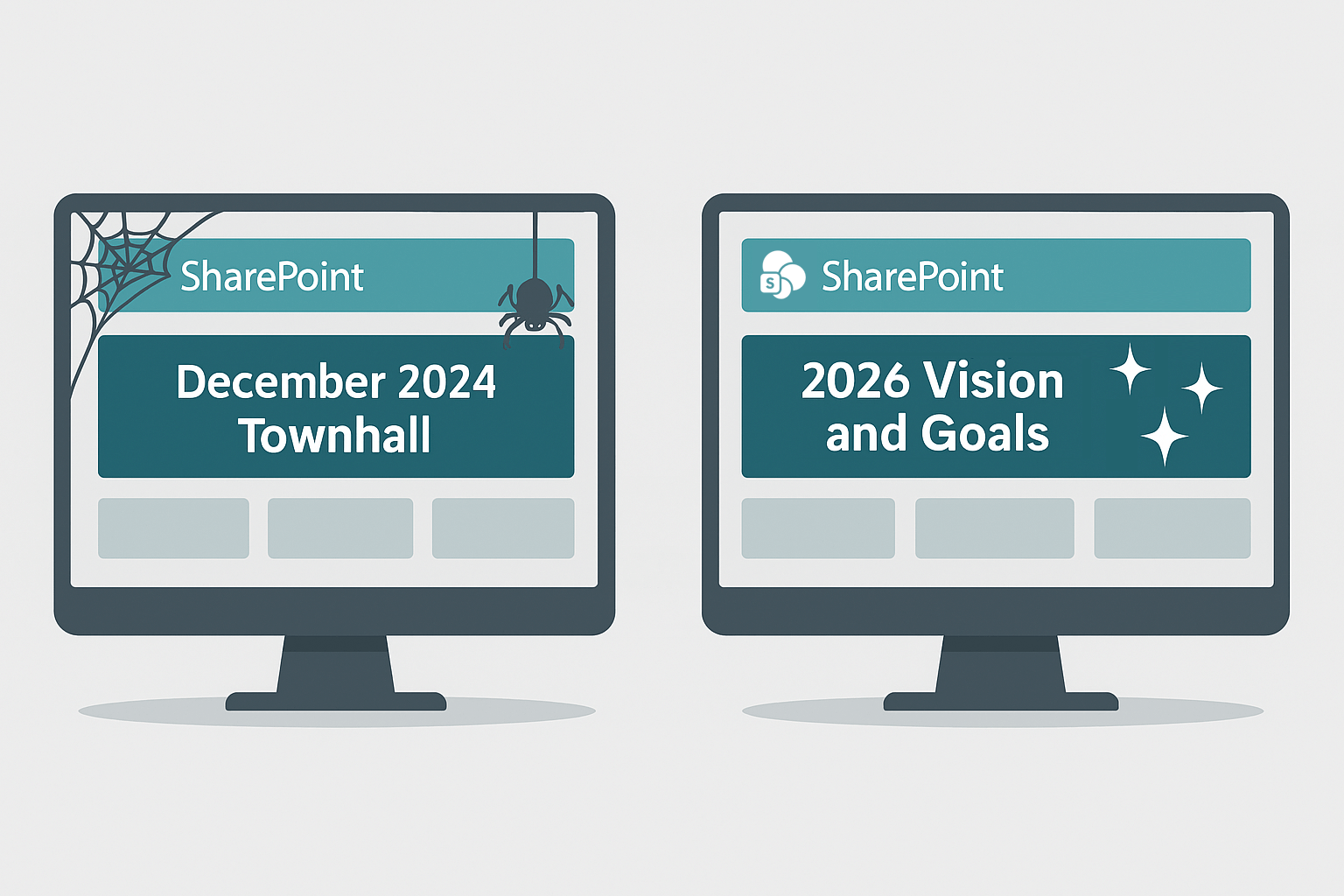
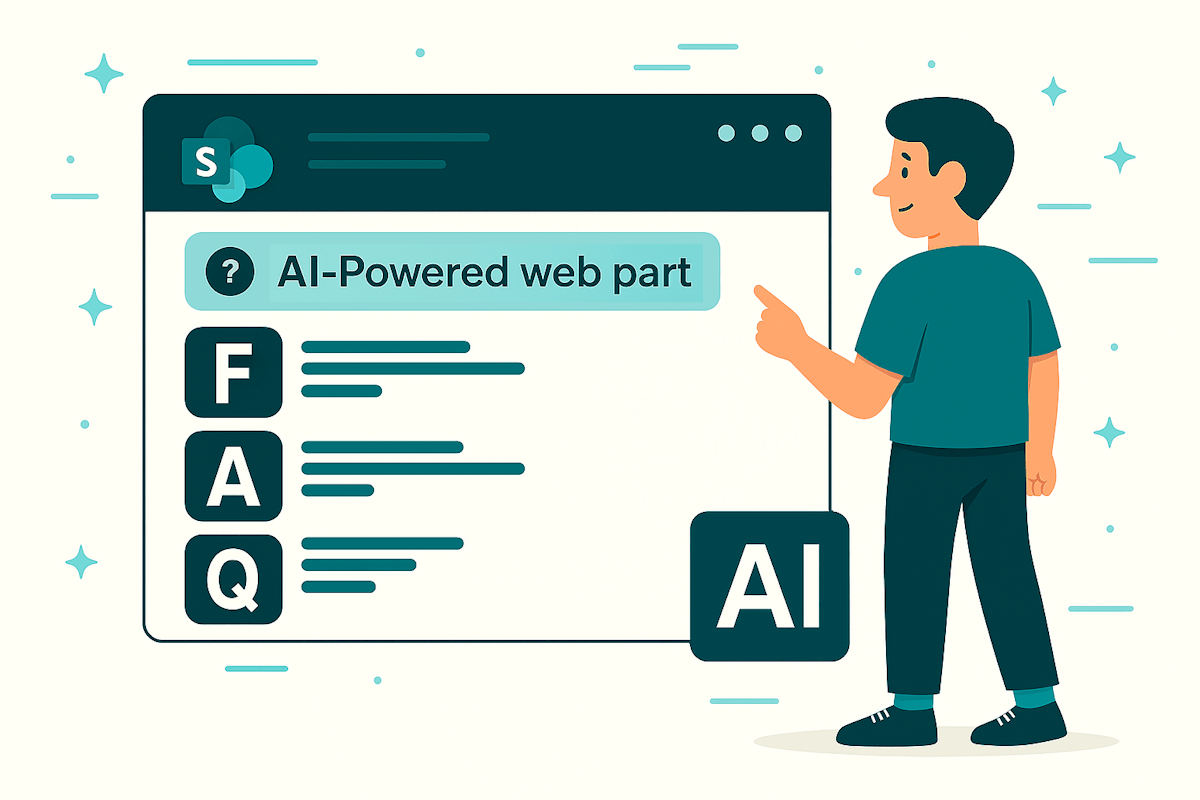
For now, I want to highlight two SharePoint updates that can really help with intranet adoption: SharePoint Page Agent and the new FAQs web part. If outdated content has been slowing you down, these tools make it easier than ever to keep things fresh and engaging!
And on a personal note, as someone who loves home automation, I’m thrilled about Hey Copilot. Being able to complete tasks with voice commands at work? That’s the same magic I use to turn on the lights or open the blinds at home. Game changer.
As always, there’s a bunch more to explore — check out the full list below. Let me know in the comments what your favorite update was this week, or what you’re hoping to see next. I’m curious to hear what caught your eye!
SharePoint
Microsoft dark themes for SharePoint sites
SharePoint: Document Libraries – A new forms experience for streamlined document collection
Streamline SharePoint publishing with new SharePoint page agent
App-only certificate-based authentication now available in SharePoint Online Management Shell
Copilot
New “Prepare” button added to the “Up Next” card for Microsoft 365 Copilot users
New features coming to Copilot Notebooks for Frontier users
Microsoft Copilot (Microsoft 365): Your Command Center for AI Success
Microsoft Copilot (Microsoft 365): Scheduled prompts for Agents
New experiences for Copilot management in Microsoft 365 admin center
New features coming to Microsoft 365 Copilot Chat for Outlook, Word, Excel, and PowerPoint
Microsoft Copilot (Microsoft 365): Edit Scheduled prompts
Microsoft 365 Copilot: Navigation refresh in the M365 Copilot app
Microsoft Copilot (Microsoft 365): Natural language support for Scheduling prompts
Introducing Workforce Insights agent in Frontier for Microsoft 365 Copilot
Outlook: User-initiated Copilot insights in classic Outlook
Microsoft Edge: Microsoft 365 Copilot will support summarization and contextual grounding
Get ready for security agents: Microsoft Security Copilot will be included in Microsoft 365 E5
Triage your Outlook mobile inbox hands-free with Microsoft 365 Copilot voice catch-up
Microsoft 365 Copilot: Use Copilot with OneDrive files in macOS activity center
Microsoft PowerPoint: Agent Mode in Microsoft 365 Copilot
Microsoft Word, Excel, and PowerPoint agents: A new Copilot experience for content creation
Microsoft 365 Apps admin center: Enhanced rollback capabilities in Cloud Update (public preview)
Microsoft 365 Copilot: Use Copilot AI Actions with OneDrive files in File Explorer
Microsoft 365 admin center: Copilot settings – readiness
Microsoft 365 Copilot: OpenAI’s Sora 2 available for video generation
Microsoft Copilot (Microsoft 365): GPT-5 Model Selector
Microsoft Copilot (Microsoft 365): Scheduled prompts for Web tab
Microsoft 365 Copilot: Voice chat in Microsoft 365 Copilot
Microsoft 365 Copilot: “Hey Copilot” to start voice in Copilot on Windows devices
Updated UI for Copilot Chat entry point in Word, Excel and PowerPoint apps
Microsoft 365 Copilot: Copilot chats in search results
Microsoft Copilot (Microsoft 365): Use Copilot to Share with Summary for OneDrive files in Windows
Microsoft 365 Copilot: Summarize and share OneDrive files in Windows using Copilot
Microsoft Copilot Studio – Simplify working with triggers and channels
Dataverse
Dataverse – Dataverse Model Context Protocol (MCP) Server general availability
Dataverse – Dataverse SDK for Python
Dynamics 365
Dynamics 365 Contact Center – Resolve issues autonomously with Customer Intent Agent
Dynamics 365 Customer Service – Quality Evaluation Agent
Dynamics 365 Contact Center – Analyze adherence history to optimize workforce planning
Dynamics 365 Contact Center – Contact customers proactively with personalized options
Excel
Microsoft 365
Microsoft 365: Modern Access Request and Access Denied web page
Microsoft 365 Admin Center
Microsoft 365 admin center: Organizational Messages to support email delivery
Microsoft 365 Apps
Updates available for Microsoft 365 Apps for Current Channel
Updates available for Microsoft 365 Apps for Current Channel
Microsoft Agent 365
Microsoft Agent 365: Available in Frontier program
Microsoft Defender
Microsoft Defender for Identity alerts transitioning to XDR-based detection platform
Automatic Windows event auditing configuration now available for unified sensors (V3.x)
Microsoft Defender for Office 365: Agentic AI Phish Submission Analysis
Microsoft Edge
Microsoft Entra
Microsoft Entra: ID Account Recovery
Microsoft Forms
Microsoft Forms: Enable Sensitivity Labels
Microsoft Intune
Plan for Change: Update to Intune Data Warehouse infrastructure
Microsoft Learning Zone
Microsoft Learning Zone Windows app enabled by default for Education tenants
Microsoft Purview
Microsoft Purview: Data Loss Prevention- Admin units support for SharePoint Online
Microsoft Purview: New Microsoft Purview Data Security Posture Management Experience
Microsoft Purview: Information Protection-Email attachment Preview in Activity Explorer
Microsoft Purview: Information Protection-Azure AI Search honors Purview labels and policies
Microsoft Service Health Dashboard
Microsoft Service Health Dashboard: Archive service health issues for yourself or your organization
Microsoft Teams
Microsoft Teams: Protection against tenant-owned domain impersonation in Teams chat
Microsoft Teams: Network Device Interface (NDI) bandwidth increase
Microsoft Teams – Native MacOS screen and window sharing in Teams meetings
Microsoft Teams: Interpreter agent support in Teams rooms on Windows
Microsoft Teams: Enhancements to Interpreter and multilingual meeting experience
Upcoming Change to Teams Desktop Client on Windows
Microsoft Teams: Custom AI summary now available in Meeting Recap
Microsoft Viva
Microsoft Viva Insights: Publish reports capability is becoming generally available
Microsoft Viva Engage: Behavior change to Engage “featured conversations” in public communities
Microsoft Viva: Search Engage conversations in Teams mobile
Microsoft Viva: Transition to VFAM-based exclusion management
Opal
Outlook
Outlook: Enriching profile cards with custom, organization-specific properties
Outlook: Calendar Conditional Formatting in New Outlook
Microsoft Outlook Mobile: Filter out declined meetings for a cleaner calendar view
Power Apps
Power Apps – Upcoming changes to license consumption experience
Power Apps – Add AI record summary to model-driven apps
Power Automate
Power Automate – Information regarding the end of support for Document Automation Toolkit
Power Platform
Product transitions to the cloud.microsoft domain – November 2025
Power Platform – Improved security for column-level audit events in Microsoft Purview
Power Platform admin center – Manage agent security with enhanced admin controls
PowerPoint
PowerPoint adds AI-powered image editing with “Designer editor”
Viva Engage
Viva Engage: Community feeds improvements
Viva Engage in Microsoft Teams mobile: New conversation search capability available
Windows
Windows Office Hours: November 20, 2025
An updated version of the November 2025 Scan Cab is available
Windows announcements from Microsoft Ignite 2025






No comments yet