

 HANDS ON SharePoint
 HANDS ON Teams
 HANDS ON Lists
 HANDS ON tek
 M365 Admin
Hands-On Microsoft 365 Pulse – Weekly Updates (Week 48)
This past week was one of the calmest of the year—probably because the holiday season is kicking off. Still, there are relevant updates you should know about, and I picked two to bring to your attention from last week.
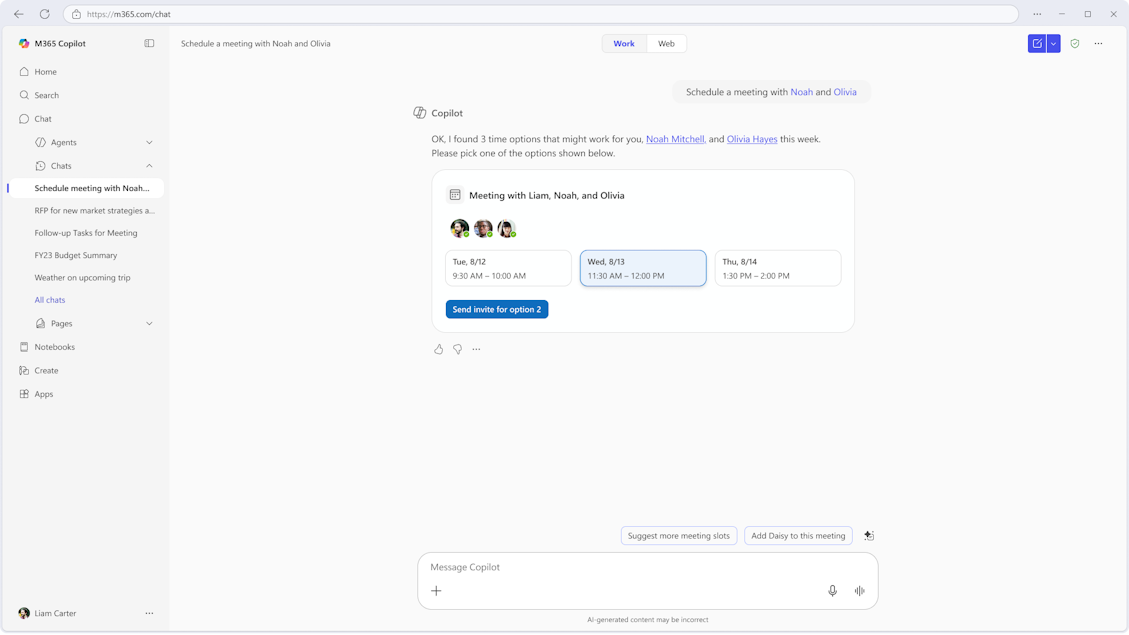
Forget the calendar gymnastics. Just tell Copilot who you want to meet with and when, and it will check everyone’s availability, propose time slots, and make scheduling painless. No more time‑zone headaches or digging through ten calendars for one slot. This is a game‑changer for me.

Automate the repetitive asks you make every day. With scheduled prompts, you can set up agents like “help me prepare my day” to run at 7:00 AM so you get your plan while sipping your coffee. It’s simple, smart, and keeps routine tasks off your plate.

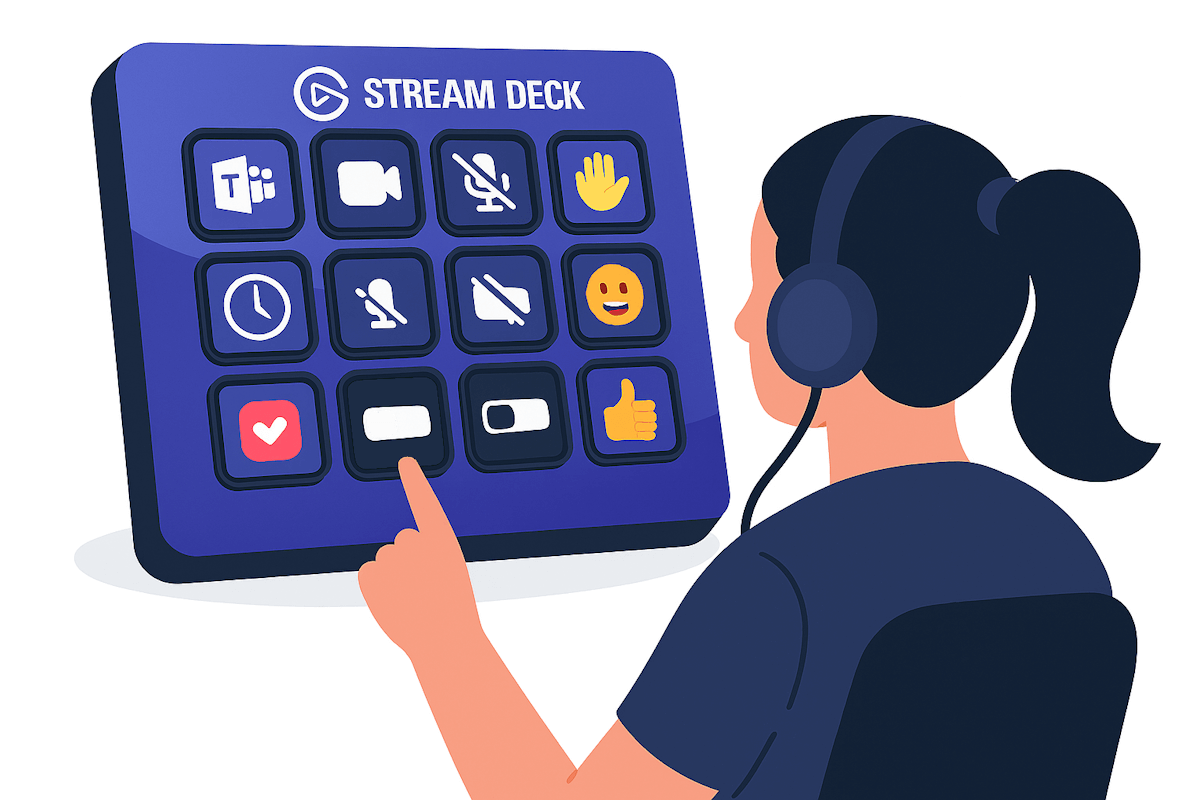
This December, Microsoft is deprecating the third-party API for Microsoft Teams. If you use a Logi MX Creative Console or an Elgato Stream Deck with Teams, this change will definitely impact you. To help you stay productive, I’ve written detailed guides that explain how to configure your devices moving forward so you can continue using them seamlessly with Microsoft Teams.

And while we’re talking updates, this week is ESPC, the biggest Microsoft 365 conference in Europe. It’s happening right now, and I’ll be keeping an eye on all the announcements. Next week, I’ll bring you anything noteworthy so you don’t miss a thing. If you’re not attending, make sure you subscribe to this post so you get the updates as soon as I publish them.
As always, there’s a bunch more to explore — check out the full list below. Let me know in the comments what your favorite update was this week, or what you’re hoping to see next. I’m curious to hear what caught your eye!
Copilot
Schedule meetings directly in Copilot Chat
Microsoft 365 Copilot: New scheduled prompt features in Frontier tenants
Microsoft Copilot (Microsoft 365): Meeting Prepare from Up Next
Microsoft Copilot (Microsoft 365): Copilot Shortcuts for Pages on Mobile
Microsoft Copilot Studio – Increase sense of security for makers inside Copilot Studio
Dynamics 365 Project Operations
Use general journals against projects for Integrated deployments
Split credit card transactions in Expense Management
Enable on-account transactions with project category support
Edit per diem transaction date, exchange rate in expense management
Microsoft Dataverse
Enable makers to create Dataverse AI prompt columns
Microsoft Edge
Performance settings update and feature name changes
Microsoft Purview
Purview SDK embedded in Agent Framework SDK
New Microsoft Purview data security posture management experience
Communication Compliance- Alert improvements
Microsoft Teams
Organization Trust Score for Apps and Agents
Flexible layout for Teams meetings with resizable divider
Microsoft Teams: Network Device Interface (NDI) bandwidth increase
Microsoft Viva
Engage: Detect moderated themes in images
Viva Engage: Update storyline cover photos in Teams for iOS
Outlook
Run rule over a specific folder
Book a Workspace when Creating an Event
Power Pages
Enhance governance for non-production site visibility
Power Platform
Windows
Ask the Windows experts at Tech Community Live
Archive File Classification Behavior Change for Windows Endpoints
The November 2025 Windows non-security preview update is now available
Other
Configure Local Network Access Policy for Microsoft eCDN
Manage Non-Microsoft Generative AI Usage Across Your Organization






No comments yet