

 HANDS ON SharePoint
 HANDS ON Teams
 HANDS ON Lists
 HANDS ON tek
 M365 Admin
Hands-On Microsoft 365 Pulse – Weekly Updates (Week 6)
This past week was surprisingly busy for Microsoft Teams, with updates landing across several areas. My highlight goes straight to the new digital signage support for Microsoft Teams Rooms on Android — finally a simple, native way to bring content to the room screens. Another small but very welcome win: dark mode for the SharePoint admin center. My eyes will definitely appreciate that one.
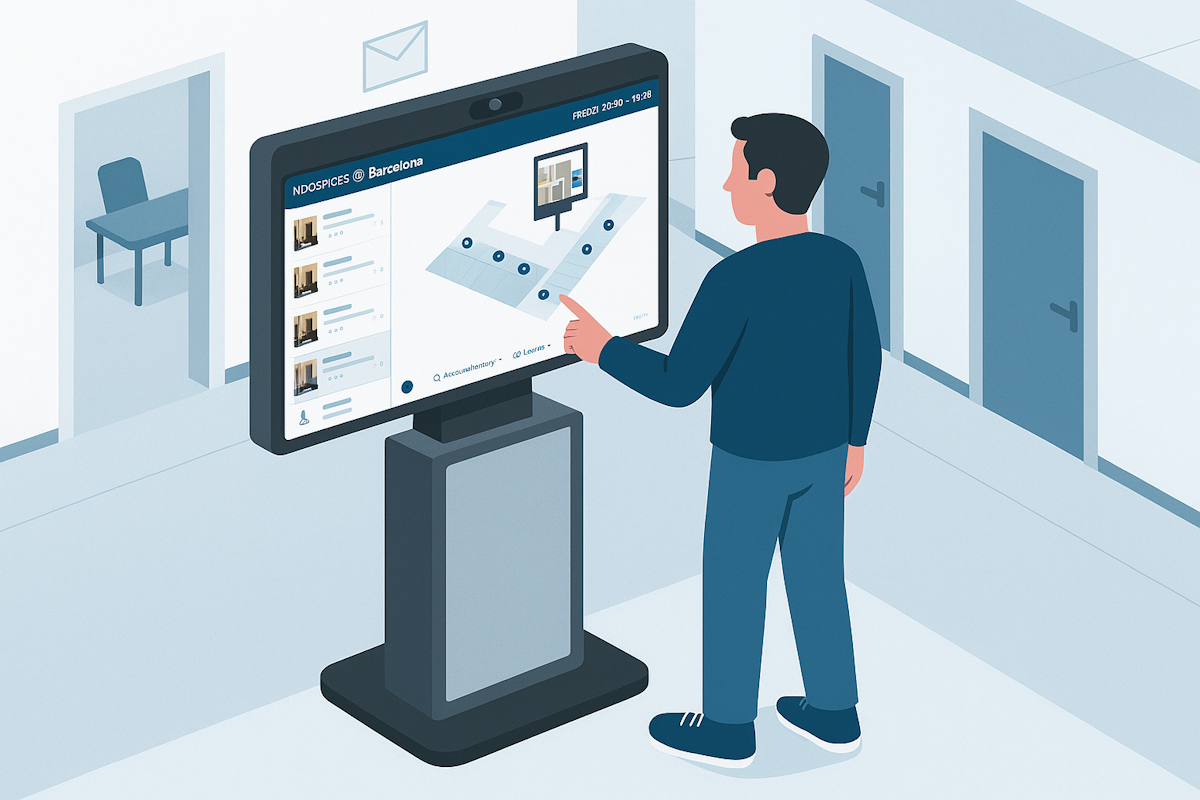
Meanwhile, my February blog post marathon is still going strong. Last week I was in Barcelona for ISE, showcasing some of the Microsoft Places work I’ve been building at Appspace, so a few of the articles naturally leaned in that direction.

As always, there’s a bunch more to explore — check out the full list below. Let me know in the comments what your favorite update was this week, or what you’re hoping to see next. I’m curious to hear what caught your eye!
Microsoft Power Automate
Microsoft Power Automate – Use Power Platform Environment variables in desktop flows
Dynamics 365 Customer Service
Dynamics 365 Customer Service – Generate long-term forecasts up to three years
Dynamics 365 Customer Service – Quality Evaluation Agent Evaluation Criteria Extensibility
Dynamics 365 Customer Service – Generate short‑term forecast duration up to one year
Dynamics 365 Customer Service – Quality Evaluation Agent Evaluation Criteria Extensibility
Dynamics 365 Customer Service – Edit schedule bookings with drag and drop
Dynamics 365 Customer Service – Run Forecast Scenario on demand
Dynamics 365 Contact Center
Dynamics 365 Customer Insights Journeys
Dynamics 365 Customer Insights Journeys– Strengthen form bot protection with reCAPTCHA
Microsoft Teams
Ongoing meetings indicator for Teams channels with a threads layout
Microsoft Teams: Attend Microsoft webinars from Teams Rooms on Android
Microsoft Teams: Teams Live Events is retiring
New Teams Events setting to control registration
Retirement of the isBroadcast property for Teams Live Events in Microsoft Graph
Microsoft Teams: Improved keyboard navigation and default line numbers in code blocks
Microsoft Teams: Digital signage in Teams Rooms on Android
Microsoft Teams: Recently used emojis sync across devices
Microsoft Teams: Image viewer improvements enable scrolling and jumping to original message
Microsoft Teams: Hide meetings toolbar
Microsoft Teams: Voice tethering
Events in Meet app – Introducing a redesigned, unified Events experience in Microsoft Teams
Microsoft Teams: Multiple phone number assignment to a single user on Teams Phone Devices
Microsoft Teams: Audio recap language expansion
User reported security signals in Teams admin center
Microsoft Teams: Ad-hoc room reservation from Teams Rooms on Android console
Microsoft Teams: Annotations on Teams Single Window Sharing on Windows OS
Microsoft Teams: One-stop admin portal for Teams devices with Teams Rooms Pro Management
Prevent/Fix (Planned) – Search by Meeting ID in Call Quality Dashboard
Microsoft Teams: New controls for quick views in the chat list
Microsoft Teams: Sensitivity label inheritance for Loop meeting notes
Microsoft Teams: Camera view switching in multi-camera Teams Rooms on Windows
Microsoft Copilot (Microsoft 365)
Microsoft Copilot (Microsoft 365): Unified Plus menu (+)
Microsoft 365 Copilot: Copy tables from Chat
Microsoft Copilot (Microsoft 365): Copy Tables in Microsoft 365 Copilot Chat
Microsoft Copilot (Microsoft 365): Copilot Search Matches on People’s Department
Microsoft Copilot (Microsoft 365): Researcher Agent for GCC
Microsoft 365 Copilot: Business justification for Copilot license requests
Microsoft 365 Copilot app: Unified plus (+) menu
Microsoft Copilot (Microsoft 365): Copilot Search Helps You Discover People
Microsoft 365 Copilot: Prepare for meetings with Copilot in classic Outlook for Windows
Power Platform
Prevent/Fix: Guidance for On-Premises Connectors Configuration
Power Platform admin center – Environments page updates
Microsoft Purview
Microsoft Purview | Role group changes in Microsoft Purview
Microsoft Purview: Insider Risk Management – Ability to create cases without content in IRM
Microsoft Purview: Role Group changes in Purview
Microsoft Purview: Data Catalog – Advanced resource sets
Microsoft Purview | eDiscovery – Add sample to review set
Microsoft Purview | Insider Risk Management – Ability to create cases without content in IRM
Windows
Secure Boot status report in Windows Autopatch
Skill up on Windows at Technical Takeoff
Windows news you can use: January 2026 recap
Advancing Windows security: Disabling NTLM by default
Resolved: Power outage affecting Microsoft Store app installs and Windows update delivery
Viva Engage
Viva Engage: New option to hide a user’s messages
Engage is retiring live events powered by Teams Live Events effective April 15th, 2026
Microsoft 365
People Skills on the profile card expanding to Microsoft Teams
App names hidden in app bar for a cleaner, more focused experience
Microsoft 365: Change Meeting Organizer via PowerShell Cmdlet in Exchange Online
Outlook
Outlook: Expand to Full Event Details on iPad
Outlook Web App: OneView and TrueTime features will retire
Outlook: Copilot Chat available in shared and delegate mailboxes
Files in Outlook for iOS and Android will open in Word, Excel or Powerpoint app on iPad
Expand to full event details on iPad
Outlook: Reply Options for EML Attachments
Outlook: Reply Options for EML Attachments
SharePoint
SharePoint: Admin policy for expiring “People in your organization” links
Dark mode support in SharePoint Admin Center
Microsoft Defender
Microsoft Defender Antivirus: Change to exclusion storage when using MDE configuration management
Exchange Online
Exchange Web Services (EWS) retirement update
Change meeting organizer via PowerShell cmdlet in Exchange Online
Model Context Protocol
Enhancing Model Context Protocol (MCP) based agents with rich interactive UI widgets support
Microsoft Clipchamp
Microsoft Clipchamp: Improved audio for Copilot AI-generated video projects






No comments yet