

 HANDS ON SharePoint
 HANDS ON Teams
 HANDS ON Lists
 HANDS ON tek
 M365 Admin
Hands-On Microsoft 365 Pulse – Weekly Updates (Week 9)
Today, SharePoint turns 25. I couldn’t let this moment pass without sharing what the platform has meant to my own career, and how deeply it shaped the way I work, write, and share what I learn with all of you.
February is already in the rear‑view mirror, which means one thing: another February blog post marathon is done. This year, that resulted in 28 new posts, published one per day, covering everything from SharePoint and Microsoft Teams to Lists, Copilot, and Microsoft Places. Places deserves a special mention, it’s an area I hadn’t really explored on the blog before, and February gave me the excuse to finally change that.

Last week was a busy one. I published every single day, wrapping up this year’s blog post marathon. This week, I’m picking up two threads I left open: my personal journey with SharePoint, and a proper recap of the marathon itself, a single place where you can see all the posts, end to end, without the noise.


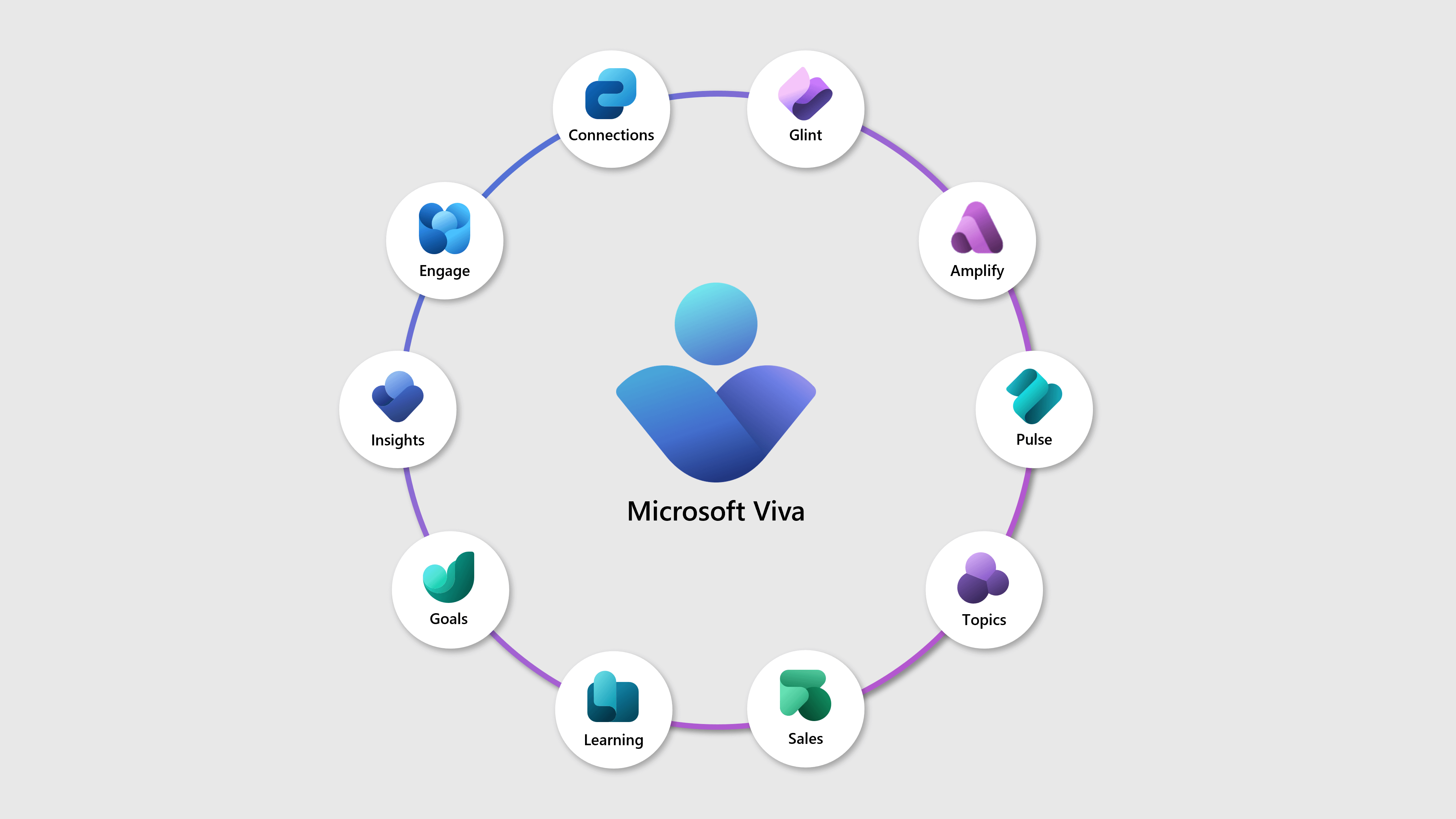
As we start a new month, it also felt like the right time to step back and look at the bigger picture. Alongside the marathon posts, you’ll find my roundups of everything that happened across Microsoft 365 in February, including SharePoint, Teams, Copilot, and Microsoft Viva. If you’re trying to keep up without chasing every single announcement, those posts are waiting for you.

As always, there’s a bunch more to explore — check out the full list below. Let me know in the comments what your favorite update was this week, or what you’re hoping to see next. I’m curious to hear what caught your eye!
Advanced Hunting
Advanced Hunting: new actions to block attachments and top-level URL domains
Azure Virtual Desktop / Windows 365 / Microsoft Intune
New Secure Boot update resources for Azure Virtual Desktop, Windows 365, and Microsoft Intune
Dynamics 365 Contact Center
Dynamics 365 Contact Center: Customize transfers and consults for queues, representatives
Dynamics 365 Contact Center: Use preview dial for high-value proactive engagements
Dynamics 365 Contact Center – Use preview dial for high-value proactive engagements
Dynamics 365 Contact Center – Leverage rich media messaging across channels
Dynamics 365 Contact Center – Run voice outbound campaigns with proactive engagement
Dynamics 365 Customer Insights
Dynamics 365 Customer Insights – Journeys – Automatic activation of bot protection
Dynamics 365 Customer Insights – Journeys – Create static segments with up to 200,000 members
Dynamics 365 Customer Service
Dynamics 365 Customer Service – Support multilingual evaluation criteria
Dynamics 365 Customer Service: Simulate AI field prediction with Case Management Agent
Dynamics 365 Customer Service – Record and review full‑screen representative activity
Dynamics 365 Field Service
Dynamics 365 Field Service: Optimize schedules with Scheduling Operations Agent
Dynamics 365 Finance
Dynamics 365 Finance: Deploy preconfigured demo assets for Business performance planning
Dynamics 365 Finance: Explore forecast-to-plan planning scenarios in Power BI
Dynamics 365 Project Operations
Dynamics 365 Project Operations – Experience phase 4 enhancements for Expense mobile app
Dynamics 365 Project Operations: Enable set-based performance improvements for project adjustments
Dynamics 365 Project Operations – Use the simplified Approvals page
Dynamics 365 Project Operations – Enable outline level to the tasks in resource assignment view
Dynamics 365 Sales
Dynamics 365 Sales: Connect Fabric Lakehouse data to AI‑powered sales research
Dynamics 365 Sales: Improve opportunity context with AI-based data enrichment
Dynamics 365 Sales: Get sales operations insights in Sales Research Agent
Dynamics 365 Supply Chain Management
Dynamics 365 Supply Chain Management: Automate production reporting with electronic sensors
Governance and administration
Governance and administration: Discover and foster Power Platform adoption with the new Usage page
Microsoft 365 Apps
Updates available for Microsoft 365 Apps for Current Channel
Microsoft 365 Copilot
Microsoft 365 Copilot: Introducing infinite scroll for chat history
Microsoft 365 Copilot: Turn Copilot Pages into SharePoint News posts
Microsoft 365 Copilot: Audio recap language expansion in Microsoft Teams
Microsoft 365 Copilot for Sales
Microsoft 365 Copilot for Sales: Use Sales agent in Outlook mobile
Microsoft Copilot (Microsoft 365)
Microsoft Copilot (Microsoft 365): Branded footer in the Microsoft 365 Copilot app
Microsoft Copilot (Microsoft 365): Copilot can edit your document by default in Word
Microsoft Copilot (Microsoft 365): Agent Mode in PowerPoint
Microsoft Copilot (Microsoft 365): Agent Mode in PowerPoint
Microsoft Copilot (Microsoft 365): Share agents to Teams
Microsoft Copilot (Microsoft 365): Create Videos in the Clipchamp Start Page
Microsoft Copilot Studio
Microsoft Copilot Studio: Group files with instructions to guide agent answers
Microsoft Copilot Studio – Create Inputs from Existing Conversations
Microsoft Dataverse
Microsoft Dataverse – Standardize security role and system application docs
Microsoft Defender for Office 365
Microsoft Defender for Office 365: Localized Default Mark and Notify Email Template
Defender for Office 365 URL click alerts now include Microsoft Teams
Microsoft Edge
Microsoft Edge: Auto-open Copilot side pane for Outlook links
Microsoft Purview
Microsoft Purview: Insider Risk Management- Data Security Triage Agent in IRM Enhancements
Microsoft Purview: eDiscovery- CMK (Customer managed key) for eDiscovery direct export
Microsoft Purview | Data Lifecycle Management – Separate Retention policies for Copilots and AI Apps
Microsoft Purview: Data Security Investigations – AI analysis enhancements
Microsoft Sustainability Manager
Microsoft Sustainability Manager: Ensure GRI compliance with latest template updates
Microsoft Sustainability Manager: Streamline ESG data collection with approvals
Microsoft Teams
Microsoft Teams: Channel Agent Updates
Microsoft Teams: Building level insights on the Pro Management portal recommended actions page
Microsoft Teams: Live transcription in Teams Rooms on Android
Microsoft Teams: Flexible layout for meetings with resizable divider
Microsoft Teams: Centralized notification settings for channels
Microsoft Teams: Code block line numbers and improved keyboard accessibility
Microsoft Teams: Multiple phone number assignment to a single user
Microsoft Viva
Microsoft Viva: Viva Pulse – Measure Copilot sentiment to change manage and scale Copilot adoption
Microsoft Viva: Viva Pulse – Capture targeted Copilot sentiment from power and novice users
Microsoft Viva: Viva Glint – Remove bulk users from closed survey
Outlook
Outlook: Delimiter setting admin policy
Updates to filtered message viewing in Outlook for iOS and Android
Outlook: One-step folder sharing
Outlook: Delimiter setting admin policy
Collaborate with Copilot in Outlook while drafting email
Power Apps
Power Apps: Supervise autonomous agents with agent feed
Power Apps: Enable push notifications in custom branded apps
Power Apps: Configure offline profile using FetchXML editor
Power Automate
Power Automate: Create and edit expressions with Copilot
Power Automate: Create and visualize custom KPIs in Process Intelligence Studio
Power Automate: Analyze your processes in Process Intelligence Studio
Power Automate: Export object-centric process mining data to Microsoft Fabric semantic model
Power Automate: Use Power Platform environment variables in desktop flows
Power Automate: Enable version control for desktop flows
Power Automate: Configure Entra hybrid join for hosted machine groups
Power Automate: Get support for normalized schema import for data ingestion
Power Automate: Retiring the Impala connector
Power Pages
Power Pages: Build Power Pages sites faster with AI coding tools
Power Platform
SharePoint
SharePoint: Backend migration for Weather, World Clock, and Events web parts
SharePoint: New SharePoint Home site experience
Introducing the new SharePoint experience
SharePoint page template gallery improvements and new templates
Windows
The February 2026 Windows non-security preview update is now available
Windows first sign-in restore experience now available
Windows Server
Windows Server Secure Boot playbook for certificates expiring in 2026
Workspace
Workspace IP Firewall rules (Public Preview)
Word / PowerPoint (Copilot)
Copilot entry point changes in Word and handoff to Agent in chat






No comments yet