

 HANDS ON SharePoint
 HANDS ON Teams
 HANDS ON Lists
 HANDS ON tek
 M365 Admin
Microsoft 365 profile cards now support user information from third party systems
Microsoft 365 profile cards are one of the most consistently used surfaces across the platform. They appear in Outlook, Teams, SharePoint, Microsoft Search, and Copilot. Despite that reach, the information shown has historically been limited to a small set of identity‑centric attributes.
Microsoft has now expanded this model. Organizations can surface additional user information on profile cards and populate that data not only from Microsoft Entra ID, but also from third‑party systems, most commonly HR platforms.
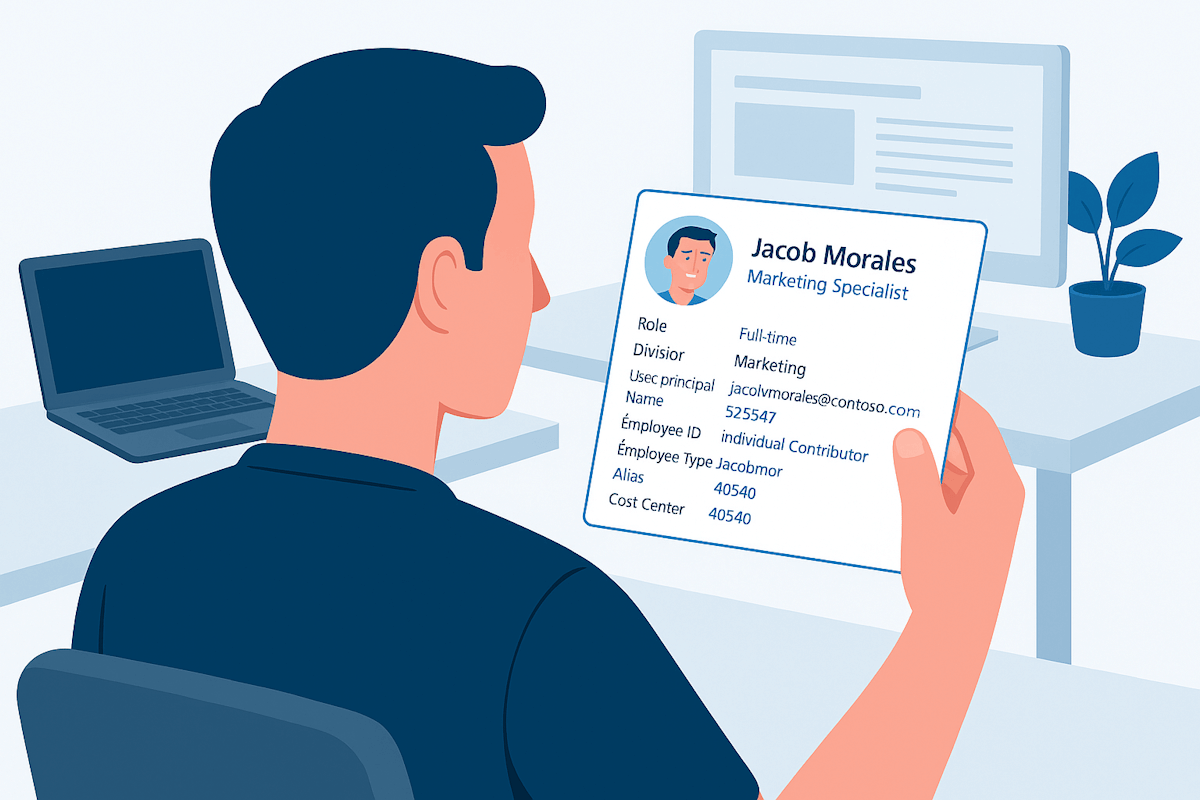
This update does not redefine Microsoft 365 as a people system of record. It improves how Microsoft 365 consumes and presents people data that already exists elsewhere.
What information can be shown on the profile card
Microsoft has introduced a set of optional profile properties that administrators can choose to expose. These properties are disabled by default and require explicit configuration.
The newly supported fields include:
- Role
- Division
- User Principal Name
- Employee ID
- Employee Type
- Alias
- Cost Center
- Fax
- Street Address
- State Or Province
- Postal Code
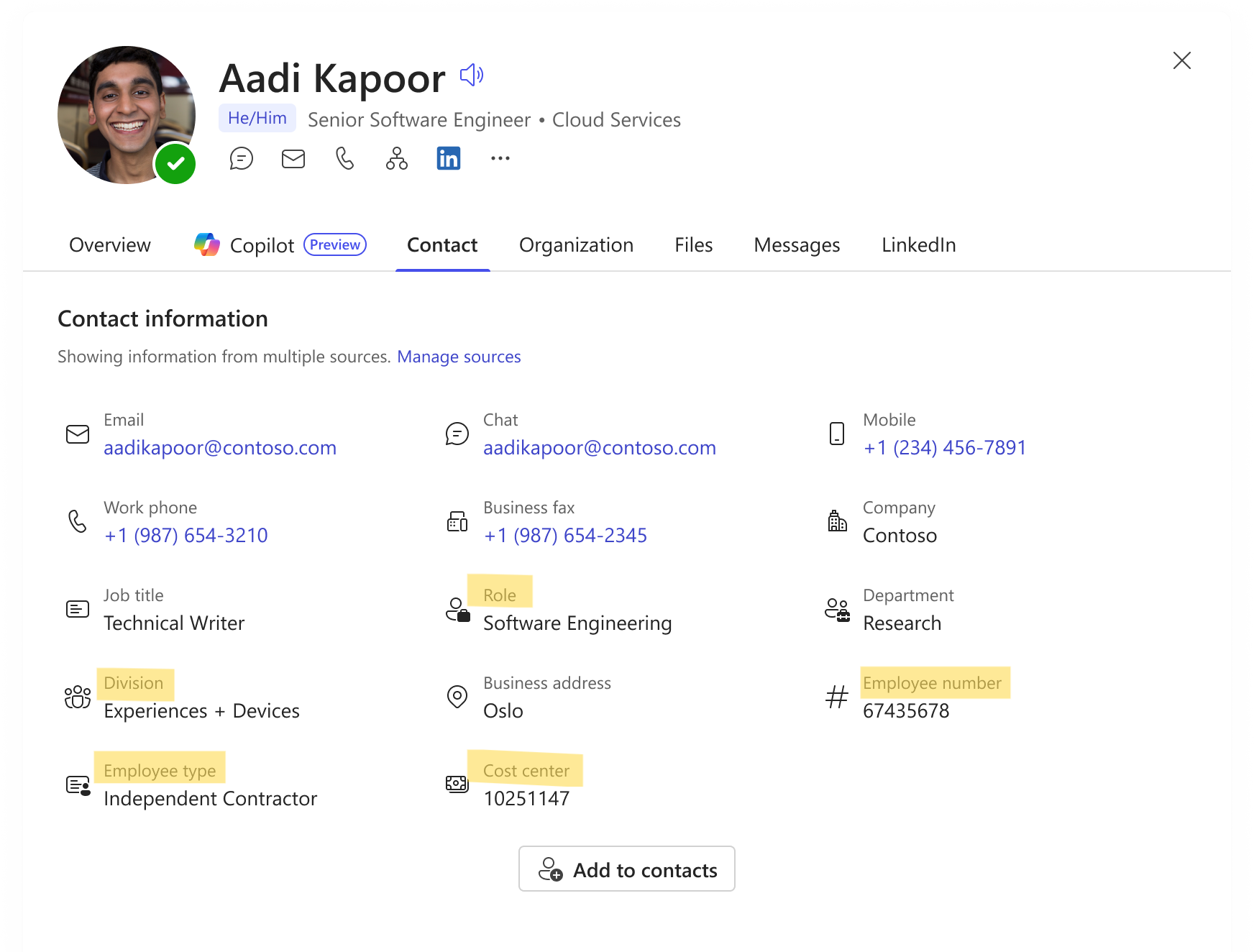
When enabled, these properties appear in the Contact information section of the profile card across Microsoft 365 experiences.
Why this is useful
Profile cards have become an input layer for other Microsoft 365 features. They feed people search, org exploration, and Copilot responses. When profile data is incomplete or inconsistent, those downstream experiences inherit the same limitations.
Allowing organizations to surface authoritative user information helps:
- Reduce ambiguity around roles and organizational placement
- Improve people discovery in large tenants
- Provide better grounding for Copilot scenarios
- Avoid user‑maintained profile fields that drift over time
Enabling additional profile properties
Visibility of these properties is managed centrally in the Microsoft 365 admin center.
Administrators can enable them by navigating to:
Settings → Org settings → People Settings → Person info on profile cards
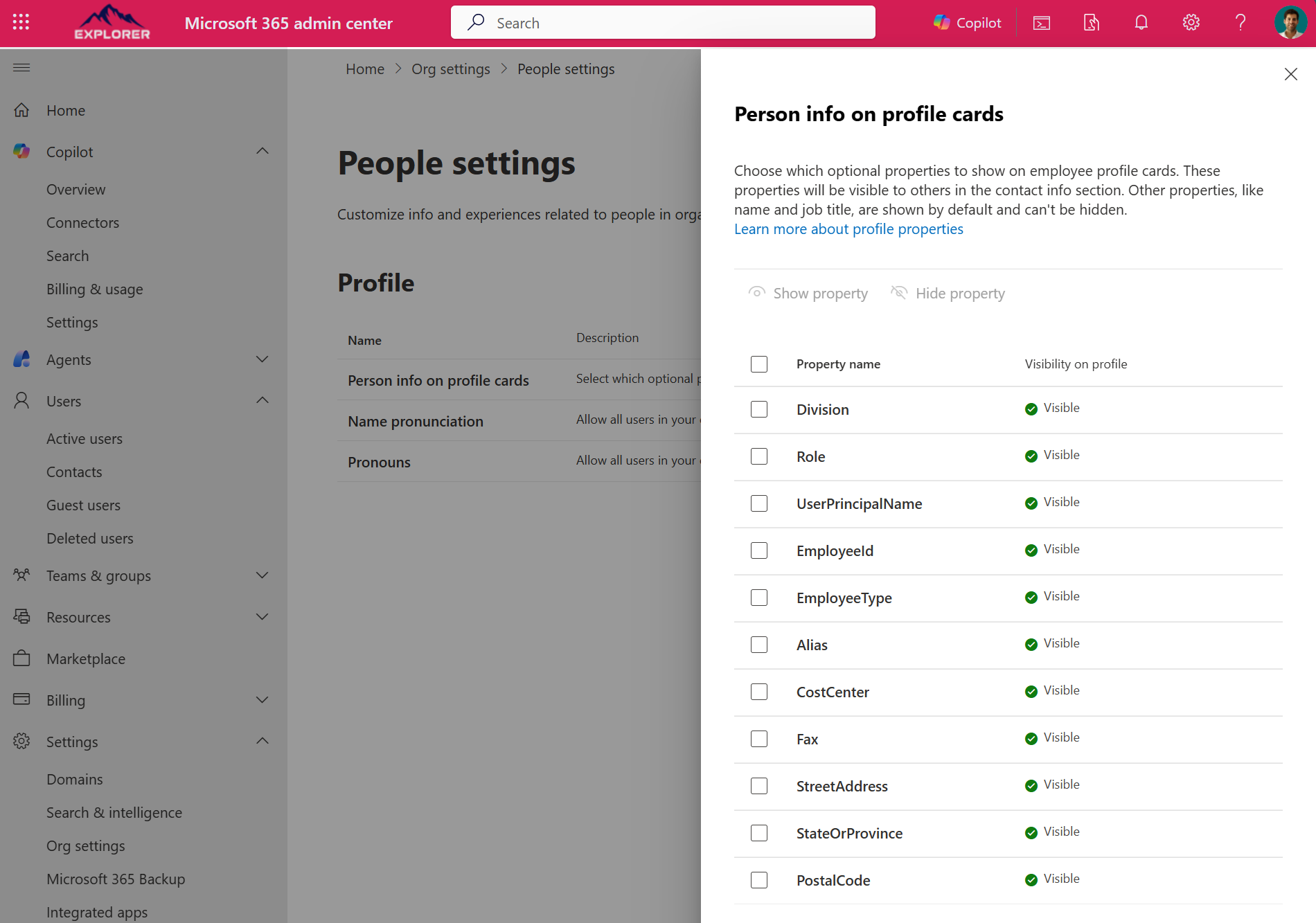
Only properties enabled here will appear on profile cards, even if the data already exists in the directory or an external system. Changes propagate across Microsoft 365 once applied.
Where the data comes from
Microsoft supports two primary sources for populating these profile card properties.
Using Microsoft Entra ID
If extended user attributes already exist in Microsoft Entra ID, they can be surfaced directly on the profile card once visibility is enabled.
Using Copilot connectors for people data
For scenarios where Entra ID is not the appropriate source, Microsoft 365 Copilot Connectors for people data allow organizations to ingest user information from third‑party systems.
Once configured:
- External people data is ingested into Microsoft 365 profiles
- Selected attributes can be shown on profile cards
- The same data becomes available to people search and Copilot
Why this matters in the broader platform context
Profile cards sit underneath multiple Microsoft 365 experiences. Improving the quality and origin of the data they display strengthens those experiences without expanding Microsoft role beyond collaboration and productivity.
This is an incremental change, but a structurally important one. It improves how Microsoft 365 represents people without attempting to own the systems that manage them.






No comments yet