

 HANDS ON SharePoint
 HANDS ON Teams
 HANDS ON Lists
 HANDS ON tek
 M365 Admin
Bringing Microsoft Places from Digital to Physical with Appspace Kiosks
This week felt a bit different, so I’m bringing something from my day‑to‑day work at Appspace into the blog. At ISE in Barcelona we showed, for the very first time, the kiosk integration for Microsoft Places. As a Product Manager who loves creating integrations on top of the Microsoft platform, seeing this come to life in the physical world was a great moment.
Microsoft Places gives organizations a digital layer for their workplace, from maps to space information and everything needed to keep spaces managed and used more efficiently. What we’ve done at Appspace is take that digital layer and give it a physical presence through our kiosks and workplace devices, so people can actually interact with Microsoft Places data as they move through an office.
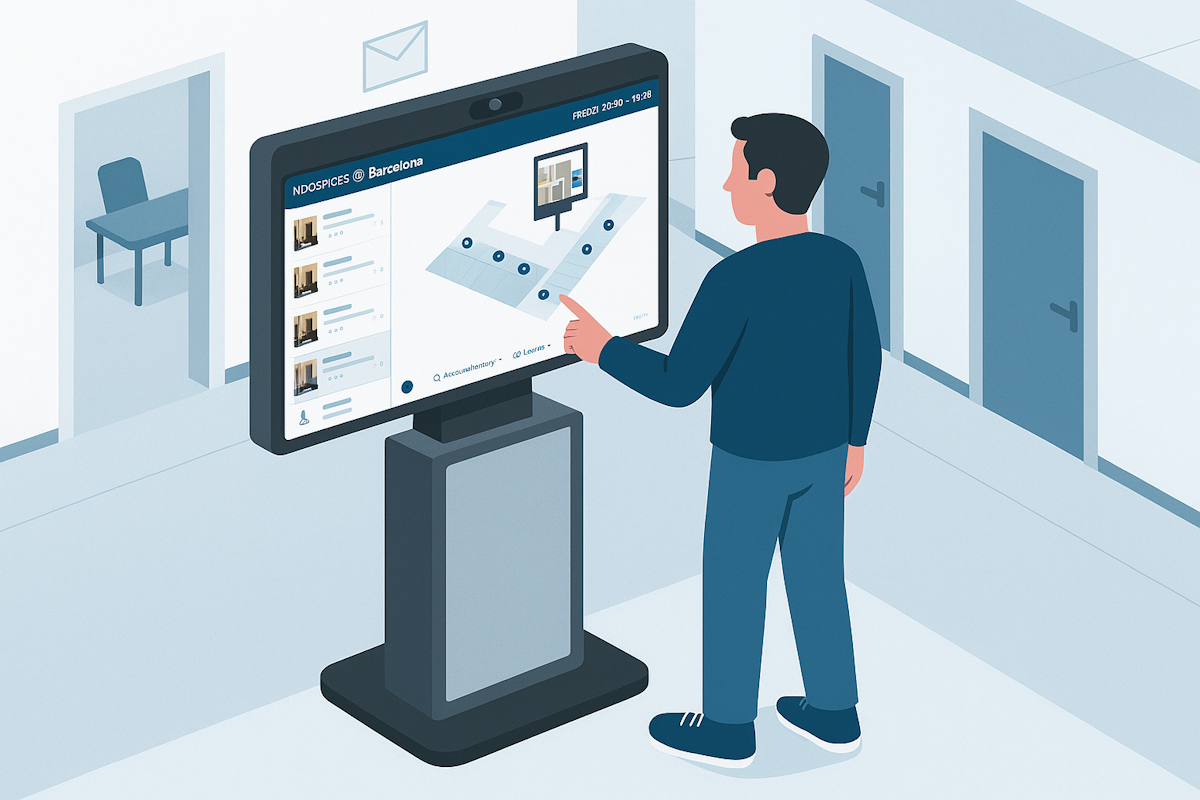
What the integration does today
Wayfinding
Kiosks can display Microsoft Places maps in real time, allowing anyone in the office to explore a floor, understand the layout, and find where a room or desk is located with clarity.
Space visibility
You can see what spaces exist, where they are, and how they are organized. The data comes straight from Microsoft Places and is surfaced in a simple, walk‑up experience on an Appspace kiosk.
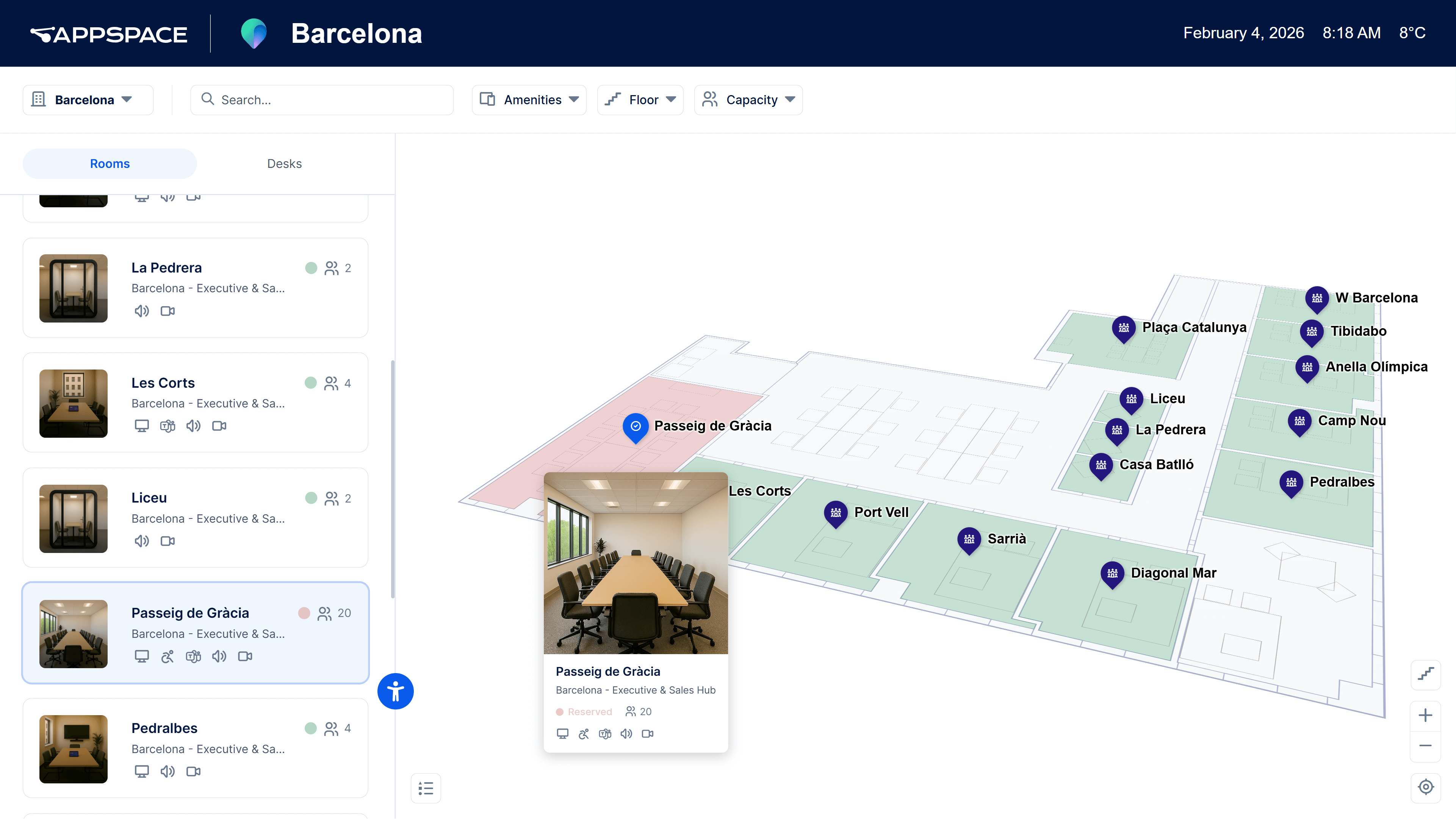
This is only the beginning of what bringing Microsoft Places into physical environments unlocks, and the direction is already clear. Extending digital workplace data into shared spaces is something organizations have been trying to do for years, and seeing it running live at an event showed just how natural and useful it can be.
Why this matters to me
This is the kind of work I enjoy the most, the type where the value becomes obvious the moment someone touches the screen. Microsoft created the digital foundation, Appspace brings it into the physical world, and together it becomes something people can experience without opening an app or a calendar. It’s simple, visible, and useful.
Since it was the first time this was shown, I’ll add a few resource links and even a demo video of me explaining how it works on real hardware.






No comments yet