

 HANDS ON SharePoint
 HANDS ON Teams
 HANDS ON Lists
 HANDS ON tek
 M365 Admin
Microsoft Places licensing — what changed and why it matters
Microsoft Places licensing has shifted from a per‑user, Teams Premium‑based model to a per‑space model centered on the new Teams Shared Space license. In practice, end‑user experiences like Places Finder and Places Explorer are now included for virtually all M365 users with calendar access, while advance desk booking, auto‑release, and space analytics are unlocked by licensing the physical spaces themselves.
Let’s put this in context with a short story. Imagine Contoso Workspace, a 600‑person hybrid company that wants everyone to see maps and book desks, but only cares about managing 120 actual desks and meeting rooms. Under the old model they had to consider licensing people; under the new one they just license the spaces they manage. This guide walks you through everything you need to know about the change and how to adapt fast.
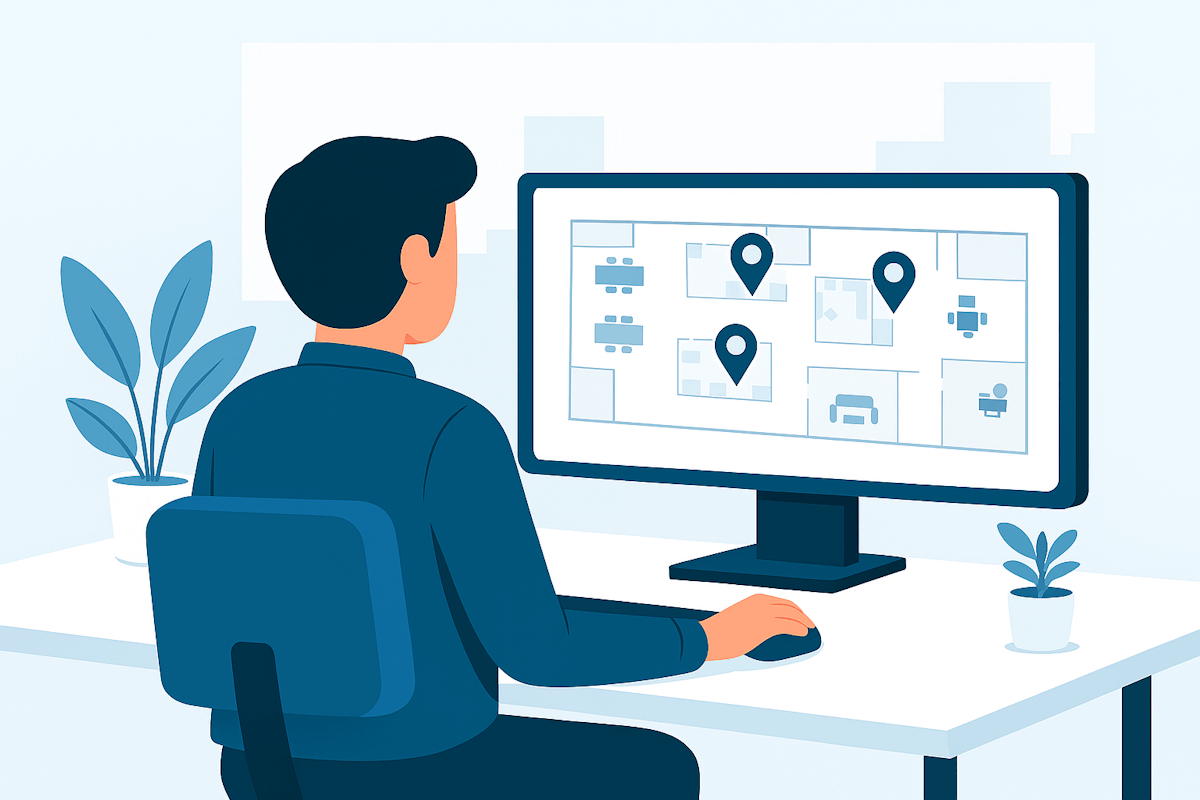
Old vs. new Microsoft Places Licensing Model
Before April 2026, all advanced Microsoft Places capabilities, including Finder, Explorer, desk booking, analytics, and auto‑release, were tied to Teams Premium, which cost around $10 per user each month, and there was no separate per‑space licensing model. After the April 2026 update, Microsoft unbundled Places from Teams Premium and made Finder and Explorer available to most Microsoft 365 users by default.
The new Teams Shared Space licenses, rebranded from Shared Device, now unlock advance desk and room booking, auto‑release, and utilization analytics on a per‑space basis rather than per person, with each license covering up to four desks for $8 per month.
|
Aspect |
Old model (pre–Apr 2026) |
New model (Apr 2026 →) |
|
Licensing approach |
Per user via Teams Premium add‑on; advanced Places features available only to Premium users |
Per space via Teams Shared Space; 4 spaces per $8 license; end‑user Finder/Explorer broadly included |
|
Who gets Finder & Explorer |
Teams Premium users only |
Virtually all M365 users with calendar (E3/E5, Business, O365, Exchange Online, Teams Essentials/Enterprise) |
|
Desk/room booking |
Premium users could book; others couldn’t use Places booking |
Any user can book a licensed desk/room in Places |
|
Auto‑release |
Premium‑gated |
Enabled per licensed room/desk |
|
Analytics |
Premium‑gated |
Available for licensed spaces |
|
Cost driver |
Number of people needing Premium |
Number of spaces you choose to manage |
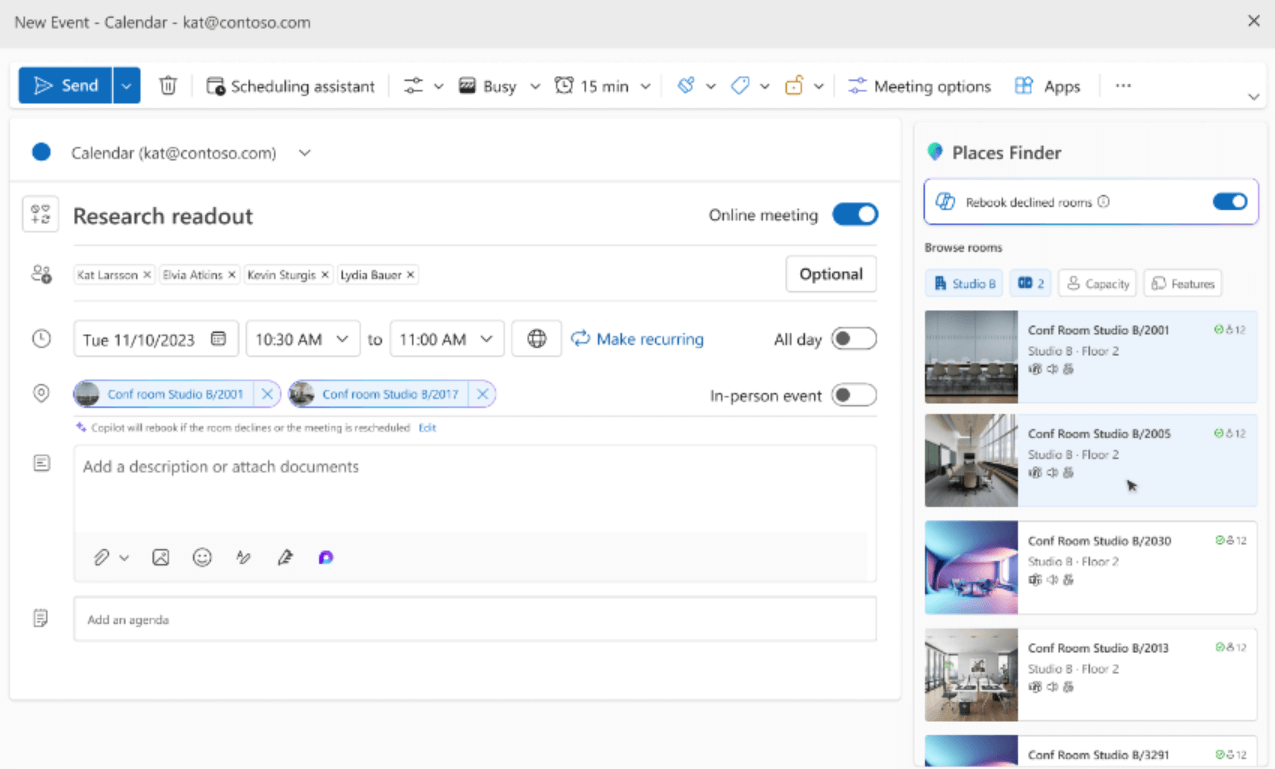
What is Places Finder?
Places Finder is the search and booking experience inside Microsoft Places that helps people quickly locate the right workspace. It’s the interface where users browse desks and rooms with rich details like photos, amenities, floorplans, capacity, and availability. In practice, it replaces the old Room Finder with something far more visual and contextual. Instead of guessing which room is on which floor or whether a desk has the right setup, people get a clear, image‑driven view of every option before reserving it. Since the licensing change, this experience is available to almost every Microsoft 365 user out of the box.
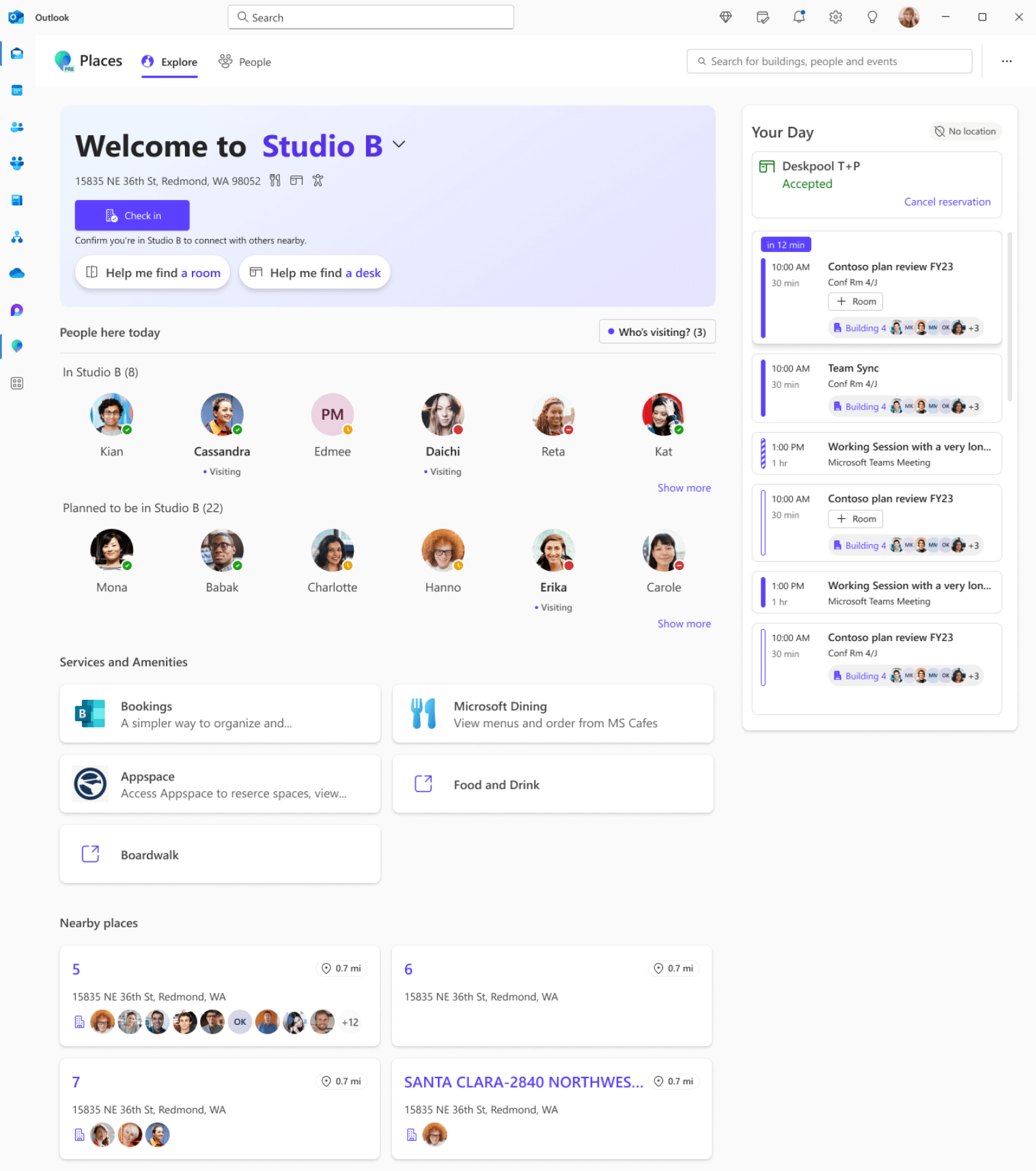
What is the Places Explorer?
Places Explorer is the map‑based home of Microsoft Places, the “visual overview” of your office locations. It shows buildings, floors, teams, colleagues’ schedules, and all the bookable spaces in a single interactive map. Users can zoom into each floor, see where people plan to work that day, browse rooms or desks, and get a better understanding of how the workplace is being used. In many organizations, Explorer becomes the daily starting point for planning an on‑site day because it combines maps, people, and spaces into one coordinated view.
Conclusion
This change makes Microsoft Places practical at scale: everyone gets the rich Places UI, while advanced controls follow the physical spaces you decide to manage. If you were holding back because of per‑user costs, the new model removes that barrier and lets you roll out workplace booking and analytics where they matter most. Start with your high‑demand floors, license those desks/rooms, and expand as adoption grows.






No comments yet