HANDS ON SharePoint
 HANDS ON Teams
 HANDS ON Lists
 HANDS ON tek
 M365 Admin
Microsoft Places Finder in Outlook: what it replaces and how to enable it
Finding a meeting room in Outlook has long meant using Room Finder: a flat list of resources with little sense of where those rooms actually are. It did the job, but it treated space as an abstract concept, disconnected from buildings, floors, and the way people move through an office. That model worked when offices were static.
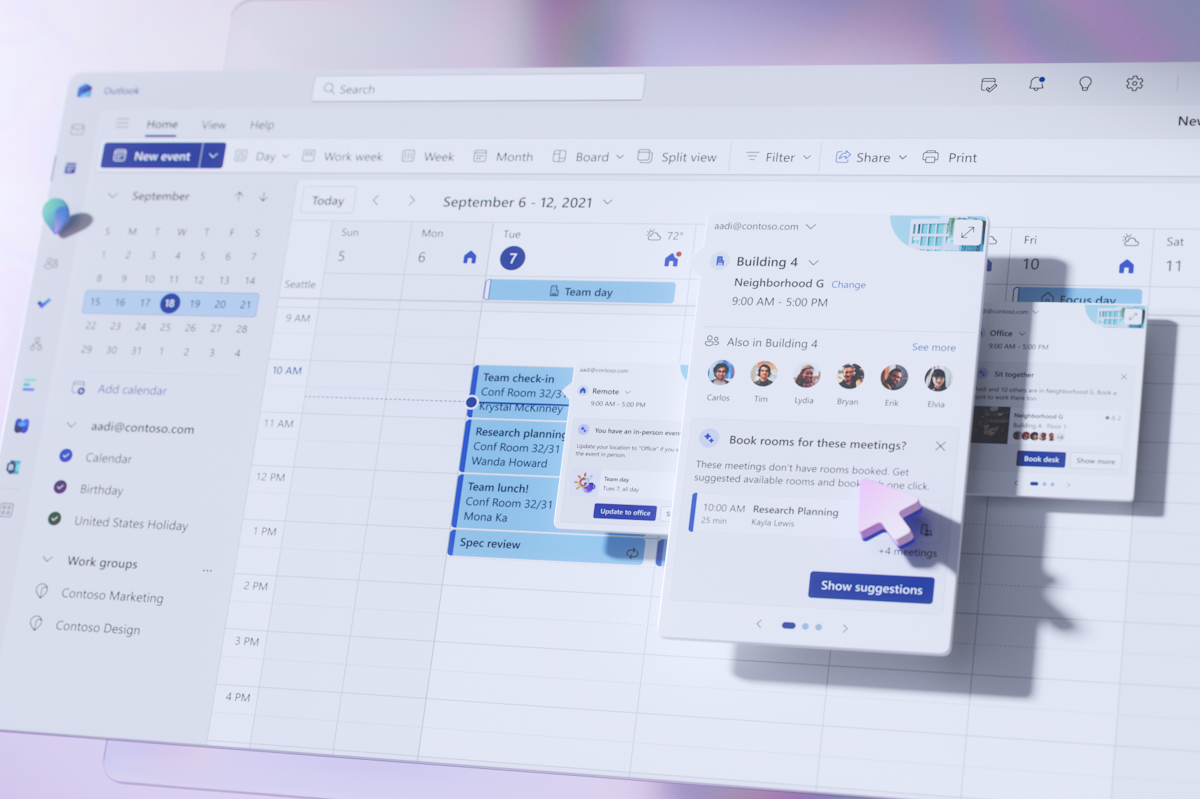
Microsoft Places Finder replaces Room Finder in Outlook. It relies on the same Exchange room and workspace data, but changes how that data is surfaced. Instead of starting with a room list, users navigate by place: country, city, building, floor.