

 HANDS ON SharePoint
 HANDS ON Teams
 HANDS ON Lists
 HANDS ON tek
 M365 Admin
Hands-On Microsoft 365 Pulse – Weekly Updates (Week 14)
The first Pulse issue of every month is my reset. It is the one edition where I look back at everything Microsoft announced and pull the signal out of it. That is what you get here: the monthly roundup, plus my Hands-On update, and you really should not skip it this time.
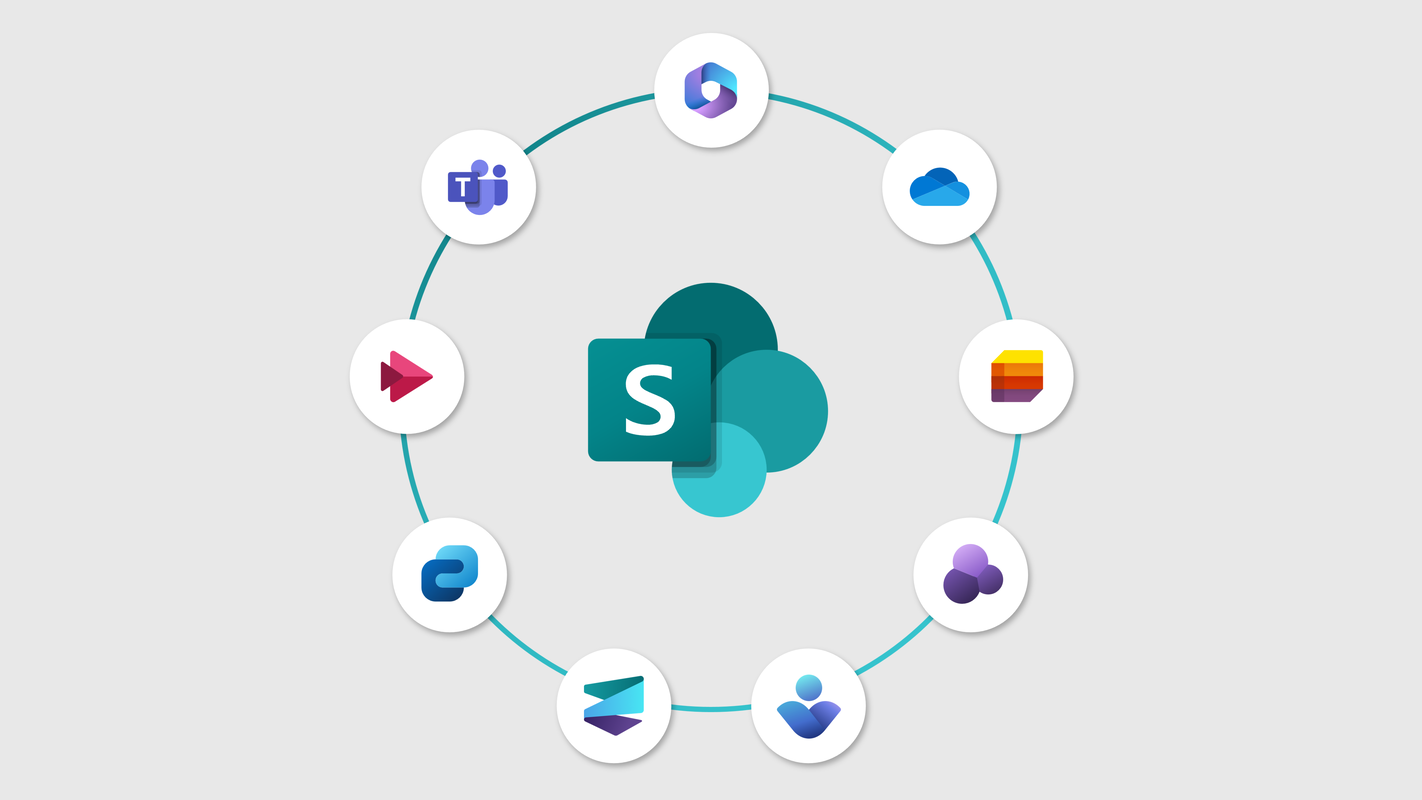
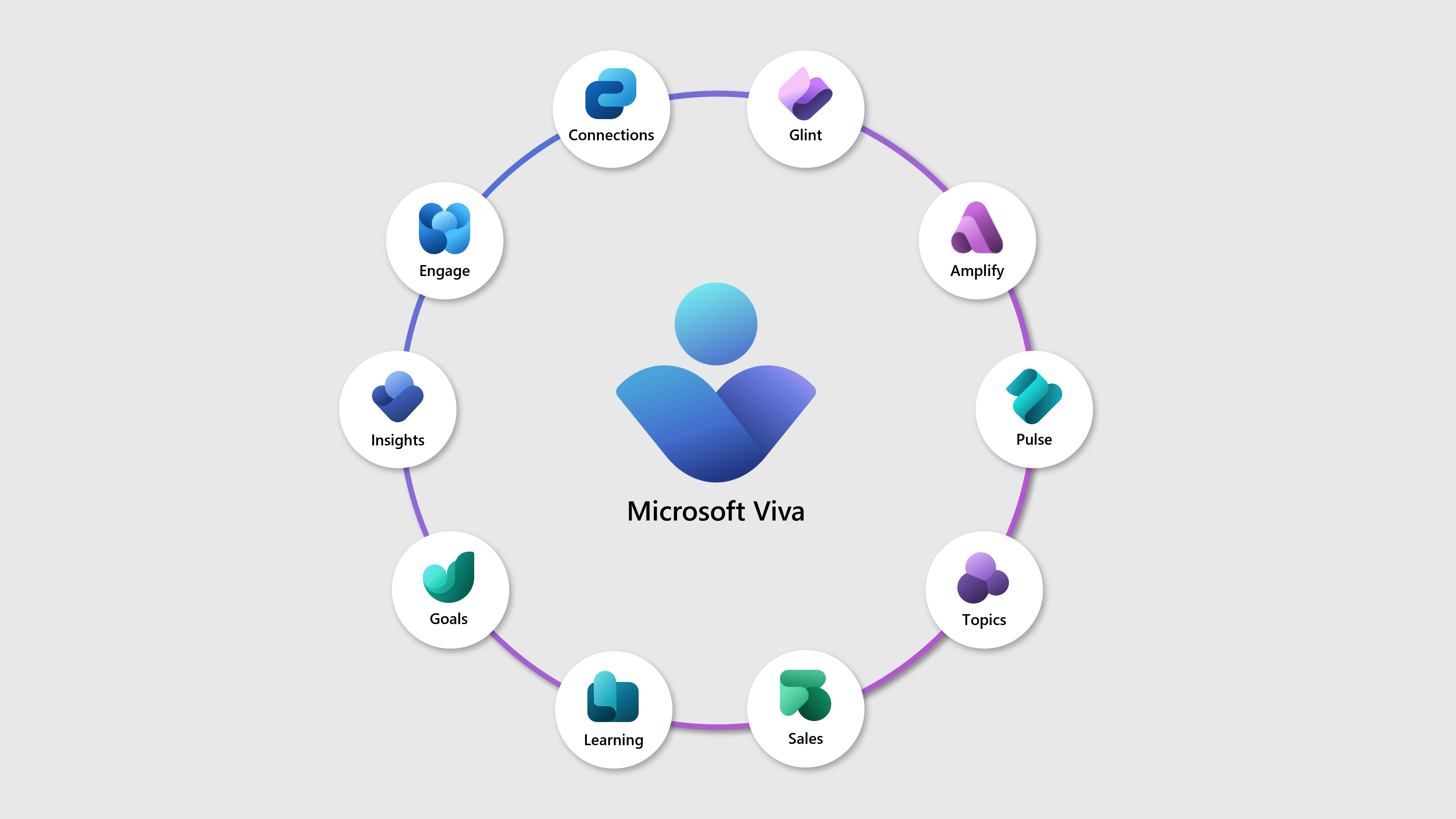
In the March Hands-On edition I also cover the new SharePoint experience rolling out now, the Viva Connections UX update, Microsoft Lists as a knowledge source for agents, and the Community Spotlight where can discover the best content creators from the Microsoft communty.

This month there is also a new section, Off the Screen, for books, magazines, and other analog things worth your attention, starting with Microsoft Signal Magazine.



As always, there’s a bunch more to explore — check out the full list below. Let me know in the comments what your favorite update was this week, or what you’re hoping to see next. I’m curious to hear what caught your eye!
SharePoint
SharePoint: Extending AI in SharePoint using custom skills
Extending AI in SharePoint using custom skills
Upcoming change: Retirement of noise suppression capability for OneDrive and SharePoint video
Dynamics 365 Contact Center
Dynamics 365 Contact Center – Use callback insights to optimize contact center operations
Dynamics 365 Contact Center – Cancel voice consult with external number
Dynamics 365 Contact Center – Enabling Infobip SMS for Dynamics 365 Contact Center
Dynamics 365 Contact Center – Use SMS channel to engage with customers proactively
Dynamics 365 Contact Center – Consent-Based Recording for Voice Interactions
Dynamics 365 Contact Center – Evaluate multiple conversations using Quality Evaluation Agent
Dynamics 365 Contact Center – Identify your customers with enhanced authentication
Dynamics 365 Customer Insights
Dynamics 365 Customer Service
Dynamics 365 Customer Service – Unify next‑step suggestions across Microsoft AI and custom agents
Dynamics 365 Customer Service – Enhance timeline with AI-driven filtering and attribution
Dynamics 365 Customer Service – Simulate case‑resolution flows before production
Dynamics 365 Project Operations
Dynamics 365 Project Operations – Add support for Lookup and Currency on custom columns
Dynamics 365 Project Operations – Record task progress from the tasks grid
Dynamics 365 Project Operations – Enable configurable timescale settings on assignments view
Dynamics 365 Sales
Dynamics 365 Sales – Find, filter, and sort using natural language with smart grid
Dynamics 365 Sales – Boost decision making by using Visualize with Copilot
Dynamics 365 Sales – Connect Fabric Lakehouse data to AI‑powered sales research
Dynamics 365 Sales – Get integrated inbound and outbound calling with Sales Hub dialer
Sales in Microsoft 365 Copilot – Experience changes in email summary in Outlook
Exchange Online
Top domain mail flow report in Exchange Online is retiring
Enabling Flex Routing in the EU and EFTA
Microsoft 365 Apps
Updates available for Microsoft 365 Apps for Current Channel
Microsoft AutoUpdate (MAU) CDN Endpoint Update for Mac
Replacement of the Microsoft SaRA command-line utility in Windows
Anthropic Models for Copilot in Word, Excel, and PowerPoint on by Default
Microsoft 365 Copilot
Microsoft 365 Copilot: Comprehensive Copilot metrics in Copilot Analytics
Microsoft 365 Copilot: New chat-first design for the Copilot mobile app
Microsoft 365 Copilot: Intelligent Summaries in Copilot Dashboard
Microsoft 365 Copilot for Sales – Configure admin setting for meeting AI insights sharing governance
Use Copilot to create and edit Pages in the Microsoft 365 Copilot mobile app
Update to Copilot navigation pane chat history filtering
Copilot Cowork now available in Frontier
Auto Critique and Model Council features in Researcher (Frontier program)
Microsoft Copilot (Microsoft 365)
Microsoft Copilot (Microsoft 365): Create Excel
Microsoft Copilot Studio
Microsoft Copilot Studio – Enable express mode for flows invoked by an agent or app
Microsoft Dataverse
Microsoft Dataverse – Discover, build, customize, and extend with management MCP server
Microsoft Defender XDR
Microsoft Defender XDR: Email summary powered by Security Copilot on the email entity page
Microsoft Secure Score: New recommendation for Microsoft Defender for Endpoint
Microsoft Intune
What’s new in the Microsoft Intune service update for March 2026
Microsoft Loop
Microsoft Loop: Retirement of Copilot‑generated Recaps
Microsoft Purview
Microsoft Purview: eDiscovery (Premium) – Review set per case limit increase
Microsoft Purview | Data Security Investigations – Introducing new personal data examination
Microsoft Purview: Data Loss Prevention – Apply default SharePoint library labels to data at rest
Microsoft Purview: Information Protection – Apply default SharePoint library labels to data at rest
Microsoft Purview | Data Loss Prevention
Microsoft Purview compliance portal: Enforce DLP protection on new content before it’s saved
Microsoft Purview compliance portal: Endpoint DLP expands protection to Copilot PC Recall snapshots
Microsoft Purview: Purview in Microsoft Admin Center
Microsoft Teams
Microsoft Teams: New experience when users minimize the meeting window
Microsoft Teams: Auto-detect spoken language in multilingual meetings
Update on custom domain guidance for Teams Event emails
One-time email passcodes for external presenters in Teams events
Microsoft Teams: Badging updates help find messages that count in the chat list
Microsoft Teams: Retirement of legacy third‑party meeting and call control APIs
Microsoft Teams: Improved organization for muted and meeting chats
Microsoft Teams: Facilitator detects and answers questions
Microsoft Teams: Annotations on Teams Single Window Sharing on macOS
Microsoft Teams: Sharing recap access
Microsoft Teams: Badging updates to help users find messages that count
Microsoft Teams: Enhanced media quality for Direct Guest Join
Microsoft Teams: New chat sections for muted and meeting chats
Microsoft Teams: Honor Windows “Do not disturb” setting
Microsoft Viva
Viva Engage: Pinned resources & related communities in Teams for iOS
Viva Engage: Pinned resources and related communities in Teams for iOS
Microsoft Viva: Following feed in Viva Engage
Microsoft Viva: Viva Glint and Viva Insights Integration – Exclusion List for data sharing
Microsoft Viva: Manage data sharing exclusions for Viva Glint and Viva Insights
Viva Engage digest updates: Improvements to weekly
Viva Engage: At-Mentions & Replies notifications improvements
OneDrive
Improved secure file preview experience in OneDrive for iOS and iPadOS
OneDrive and SharePoint: Undo and Redo for PDF annotations on OneDrive for web
OneDrive: Files deleted from the cloud will no longer appear in the local Recycle Bin or Trash
Outlook
Outlook: Multiple Intune Accounts for Outlook on iOS
Outlook: Copilot provides coaching feedback in chat as you draft, edit and format emails
Outlook: Shareable links now show as the document name in meeting descriptions
Outlook for Android: Unified user interface in text and image previewers
Outlook for iOS: New attachment actions and updates to previewer experience
Clearer RSVP selection in Outlook Mobile
New meeting response option: decline and propose a new time in Outlook Mobile
New option to keep or delete meeting invitations after responding
Classic Outlook: Retirement of people card expanded view
Power Apps
Power Apps – Build generative pages using external code generations tools
Power Automate
Power Automate – Analyze processes using object-centric process mining
Power Pages
Power Pages – Control Power Pages components using client APIs
Power Pages – Enable secure server-side logic in Power Pages
Power Platform
Power Platform – Move apps out of the default environment






No comments yet