

 HANDS ON SharePoint
 HANDS ON Teams
 HANDS ON Lists
 HANDS ON tek
 M365 Admin
Hands-On Microsoft 365 Pulse – Weekly Updates (Week 40)
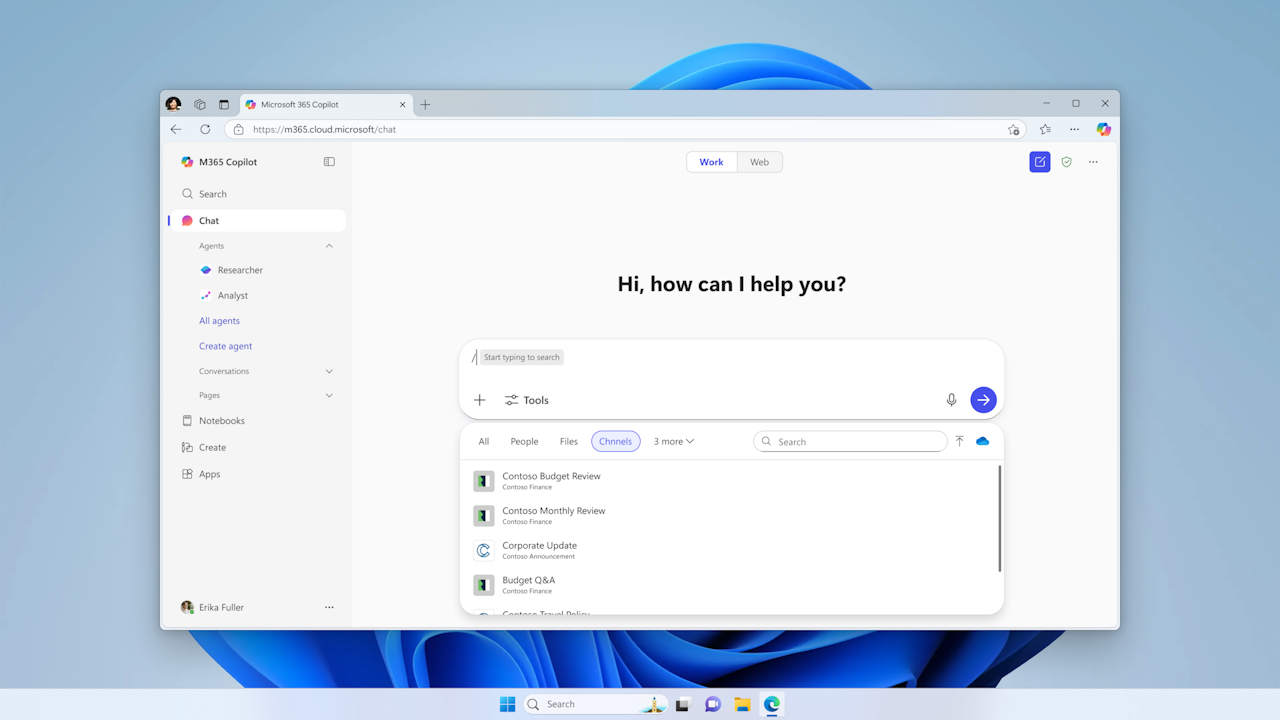
Among the many enhancements from last week, one feature stood out: Teams channels are now available in Context IQ prompts. This update is part of Microsoft’s ongoing effort to enhance Copilot in Microsoft 365 with Context IQ (CIQ) — a set of AI capabilities that lets users search for, select, and insert relevant enterprise or personal data directly into their prompts or conversations. Now, when writing Copilot prompts in the chat box, you can use Context IQ to search for and select Teams channels, grounding your prompts in contextually relevant data and improving the accuracy and usefulness of Copilot responses.
The week was also marked by an avalanche of updates across the Power Platform, with Dynamics taking center stage.

And since it’s the first week of the month, I’m bringing you:
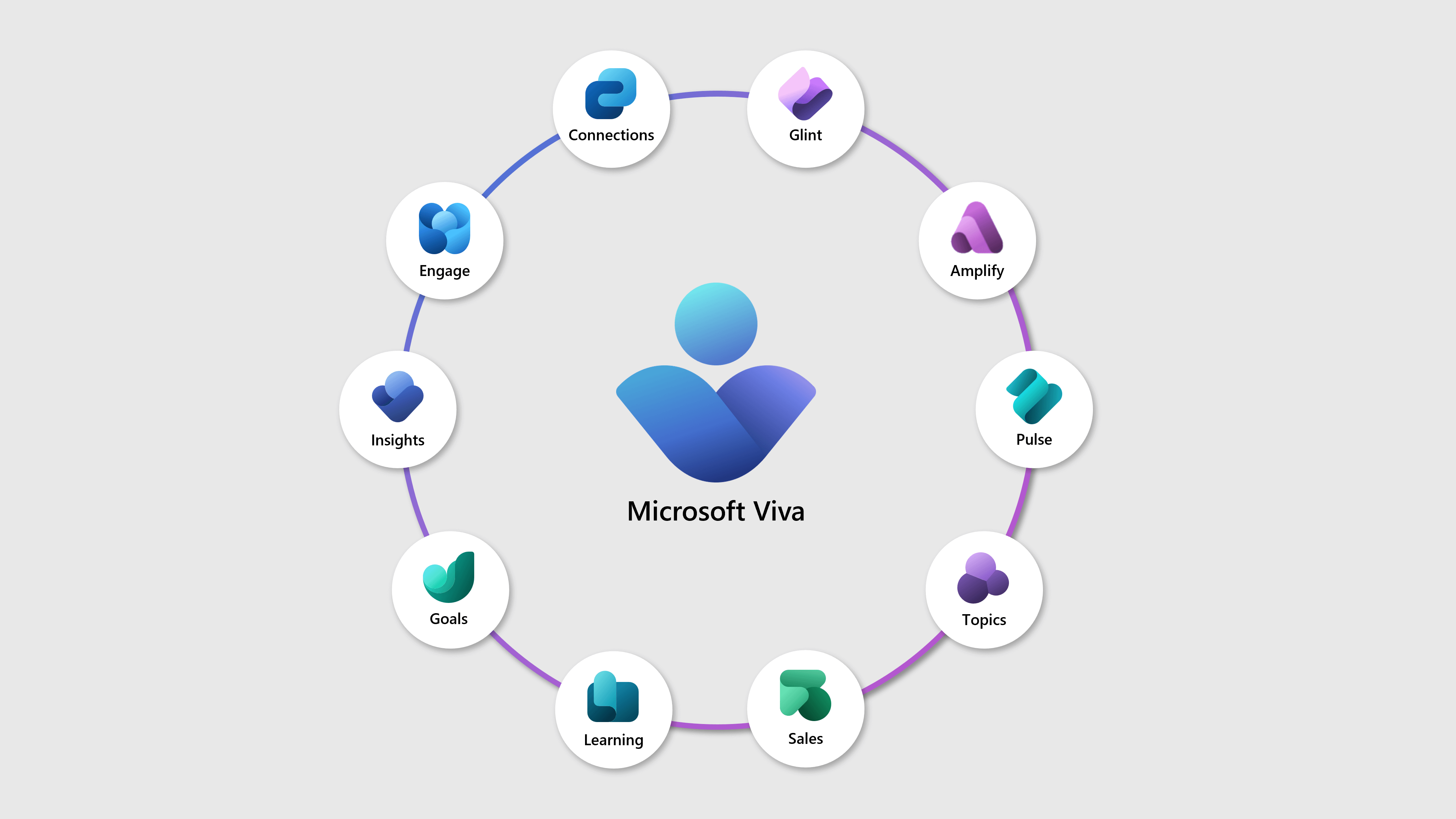
- My monthly roundups of everything new released for SharePoint, Microsoft Teams, Copilot, and Microsoft Viva
- The latest edition of my Hands-On newsletter, featuring my curated highlights of the month and the usual community spotlight



Microsoft 365 Admin Center
Microsoft 365 admin center: Usage reports – Microsoft 365 Copilot – usage intensity
Power Platform Admin Center
Power Platform admin center – Copilot Settings being added for in-app agent features
Security & Compliance
Prevent/Fix (Detected) Important CAE Policies Causing calling and pairing related Failures
Microsoft 365 App
Microsoft 365 app: Sharing Copilot Notebooks
Microsoft 365: Visual refresh of app icons
Organizational Data
New support for historical data uploads in Organizational Data in Microsoft 365
Microsoft Defender
New post-deployment configuration for unified sensors (preview)
Microsoft Secure Score: New recommendations for Microsoft Defender for Endpoint
Microsoft 365 Copilot
Microsoft 365 Copilot Chat: Flow Builder now included in Copilot license
Microsoft Copilot (Microsoft 365): Delegate mailbox access for emails in M365 Copilot
Microsoft Copilot (Microsoft 365): Users with shared mailbox access can use Copilot for email
Microsoft 365 Copilot: Version history now available in Copilot Pages
Microsoft Copilot (Microsoft 365): New Create module with Word, Excel and PPT templates
Microsoft 365 Copilot: Information about billing plan setup for Microsoft 365 Copilot Chat
Microsoft Copilot (Microsoft 365): Start writing, coding, and creating with Copilot in Pages
Microsoft 365 Copilot: Teams channels available in Context IQ prompts
Microsoft Outlook
Microsoft Outlook: Summarize email with Copilot chat
Microsoft Outlook: Declarative Agents in Copilot Chat coming to classic Outlook for Windows
Outlook for Android will require Android 10.0 or higher starting January 2026
Retirement of “When Sending a Message” Group Policy in Classic Outlook for Windows
Outlook: Expanded Conditions for Conditional Formatting in the New Outlook for Web and Windows
Microsoft Copilot Studio
Microsoft Copilot Studio: Agent ownership reassignment
Microsoft Copilot Studio – Automate approvals decisions with Intelligent Approvals
Microsoft Copilot Studio – Request information from humans in the loop in agent flows
Microsoft Copilot Studio – Draft with Copilot
Microsoft Products
Product transitions to the cloud.microsoft domain – September 2025
Windows
The September 2025 Windows non-security preview update is now available
Introducing Wi-Fi 7 for enterprise connectivity
Windows 11, version 25H2 is now available via feature updates
Hotpatch-enrolled tenants upgrading to Windows 11, version 25H2
Get started with September 2025 improvements in Windows 11
Dynamics 365 Contact Center
Dynamics 365 Contact Center – Boost service representative productivity with inbox enhancements
Dynamics 365 Contact Center – Ongoing Conversation Dashboard
Dynamics 365 Contact Center – Use intent to select representatives to transfer conversations
Dynamics 365 Contact Center – Tailor proactive engagements with configuration options
Dynamics 365 Contact Center – Update knowledge base using Customer Knowledge Management Agent
Dynamics 365 Contact Center – Use data masking to protect customer data
Dynamics 365 Contact Center – Consult with workgroup, queue using intent
Dynamics 365 Contact Center – Understand outcomes of proactive engagements
Dynamics 365 Contact Center – Enable deep noise suppression
Dynamics 365 Contact Center – Select a representative automatically in consult to queue
Dynamics 365 Contact Center – Block capacity for consulted conversations
Dynamics 365 Contact Center – Use Copilot-powered email template recommendations
Dynamics 365 Contact Center – Monitor work item, representative lifecycle in Application Insights
Dynamics 365 Contact Center – Use feedback agent in chat and digital channels
Dynamics 365 Contact Center – Play audible sound for call connection
Dynamics 365 Contact Center – Use pre-connection audio checks
Dynamics 365 Contact Center – Automate voice calls with Customer Intent Agent
Dynamics 365 Customer Insights
Dynamics 365 Customer Insights – Journeys – Streamline event planning with set registration periods
Dynamics 365 Customer Insights – Journeys – Create an event portal on your own website using WebApp
Power Automate
Power Automate – Enable version control for desktop flows
Power Automate for desktop – Assign custom names to actions in desktop flows
Microsoft Intune
Plan for Change: Removing Intune guided scenarios from the Intune admin center in January 2026
Microsoft Intune: Windows Quality Update management policies
Power Platform
Power Platform – Audit original Choice Data Type Label description
Power Platform – Record actual label values in Dataverse audit logs
Microsoft Teams Admin Center
Microsoft Teams admin center: Expanded security and compliance info for more apps and agents
Microsoft Teams admin center: Speed up app reviews with trust-based filters
Microsoft Teams admin center: Permission and privilege levels for apps and agents
Viva Engage
Viva Engage – Retirement of themes in user settings
Reminder: Update Email Configurations for Viva Engage Email Domain Migration
Microsoft Purview
Public preview: New content explorer experience for cases in Insider Risk Management
Microsoft Viva
Microsoft Viva Glint: Multilingual support for Copilot
Microsoft Viva: Thumbs Up Rate Metric for Microsoft 365 Copilot in Copilot Dashboard
Microsoft Teams
New in Teams – open channels in dedicated windows
Microsoft Teams: Simultaneous role-specific Town Hall and Webinar views in Teams Rooms
Microsoft Teams: Search for images
Microsoft Teams: Voice and Face Enrollment Dashboard for Admins
New policy setting to require explicit consent for recording and transcription in Teams 1:1 calls
Improved device selection on Microsoft Teams meeting join screen
Upcoming Secure by Default Settings Changes for Exchange and Teams APIs
Microsoft Teams: Open channels in a new window
Microsoft Teams: Room health signals and notifications in Teams Rooms on Windows
PowerPoint
PowerPoint: Find and add company approved images in PowerPoint with Organization Images
Power Pages
Power Pages – Improve site security with security scan
Power Pages – Recommend license-capacity allocation in Power Platform Advisor
Microsoft 365 Apps
Updates available for Microsoft 365 Apps for Current Channel
Dynamics 365 Sales
Dynamics 365 Sales – Improve research relevance by adding custom web sources for the agent
Dynamics 365 Sales – Streamline data entry with smart paste
Microsoft Exchange Online
Dynamics 365 Customer Service
Dynamics 365 Customer Service – Automatically restore sessions after a browser refresh
Dynamics 365 Customer Service – Perform bulk actions on filtered conversations
Dynamics 365 Customer Service – Automate case lifecycle tasks with Case Management Agent
Licensing
Licensing updates for Interpreter
Microsoft Dataverse
Microsoft Dataverse – Update system jobs retention policy from environment settings
Microsoft Edge
OneDrive
OneDrive: Simplified file transfer for departing employees
Microsoft 365 Copilot for Sales
Microsoft 365 Copilot for Sales – Access insights on opportunity while working on emails in Outlook
Microsoft 365 Copilot for Sales – Autonomously grow your pipeline with Sales Agent
Prefer to get these updates delivered straight to your inbox?
Subscribe to the Hands-On Microsoft 365 Weekly Newsletter and never miss a thing: Subscribe here.






No comments yet