

 HANDS ON SharePoint
 HANDS ON Teams
 HANDS ON Lists
 HANDS ON tek
 M365 Admin
Hands-On Microsoft 365 Pulse – Weekly Updates (Week 41)
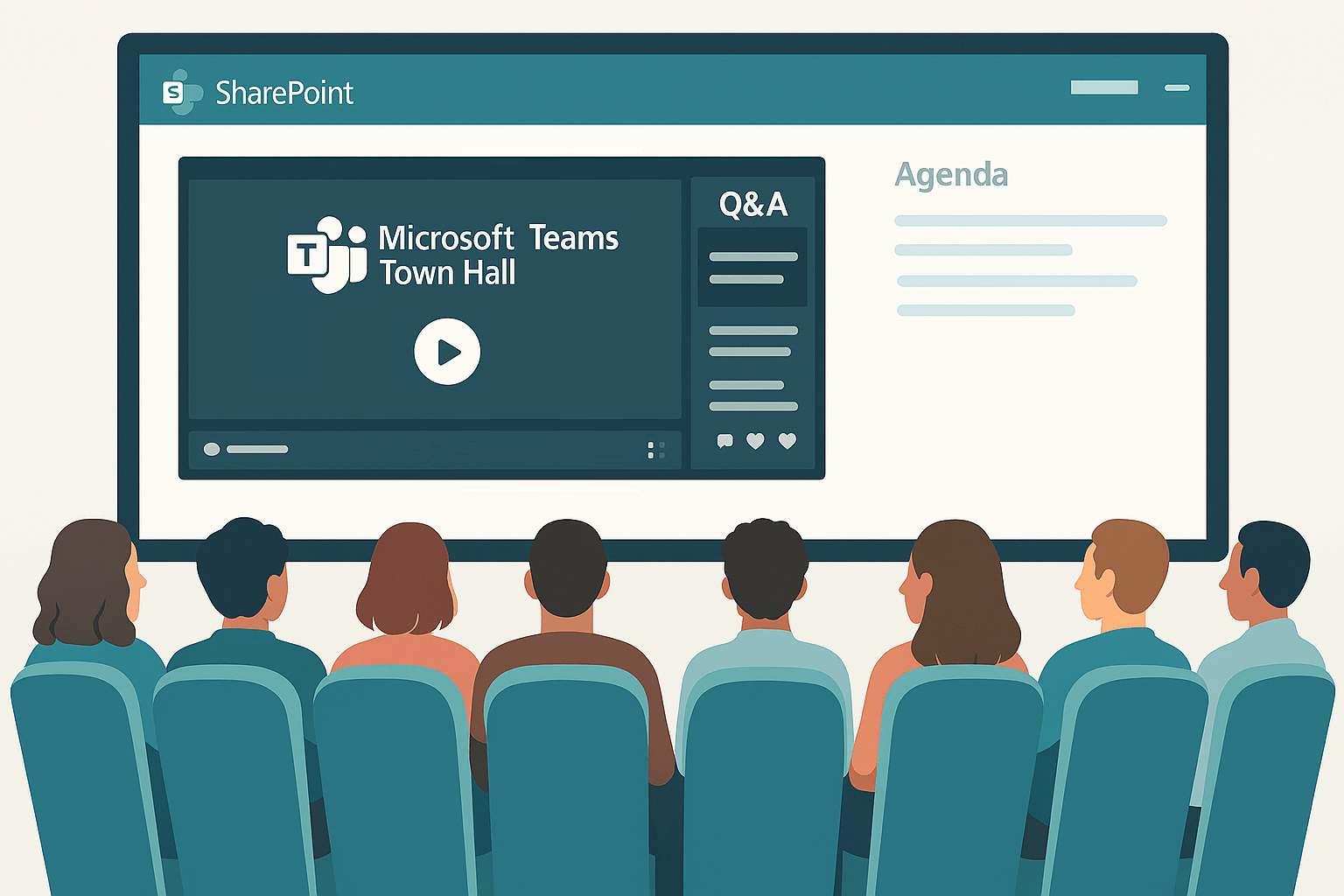
This week I’m bringing you two highlights from the SharePoint world that you won’t want to miss. The first is a post I wrote about how you can bring Microsoft Teams town halls into your SharePoint pages by embedding them. In the article I explain why this approach makes sense.
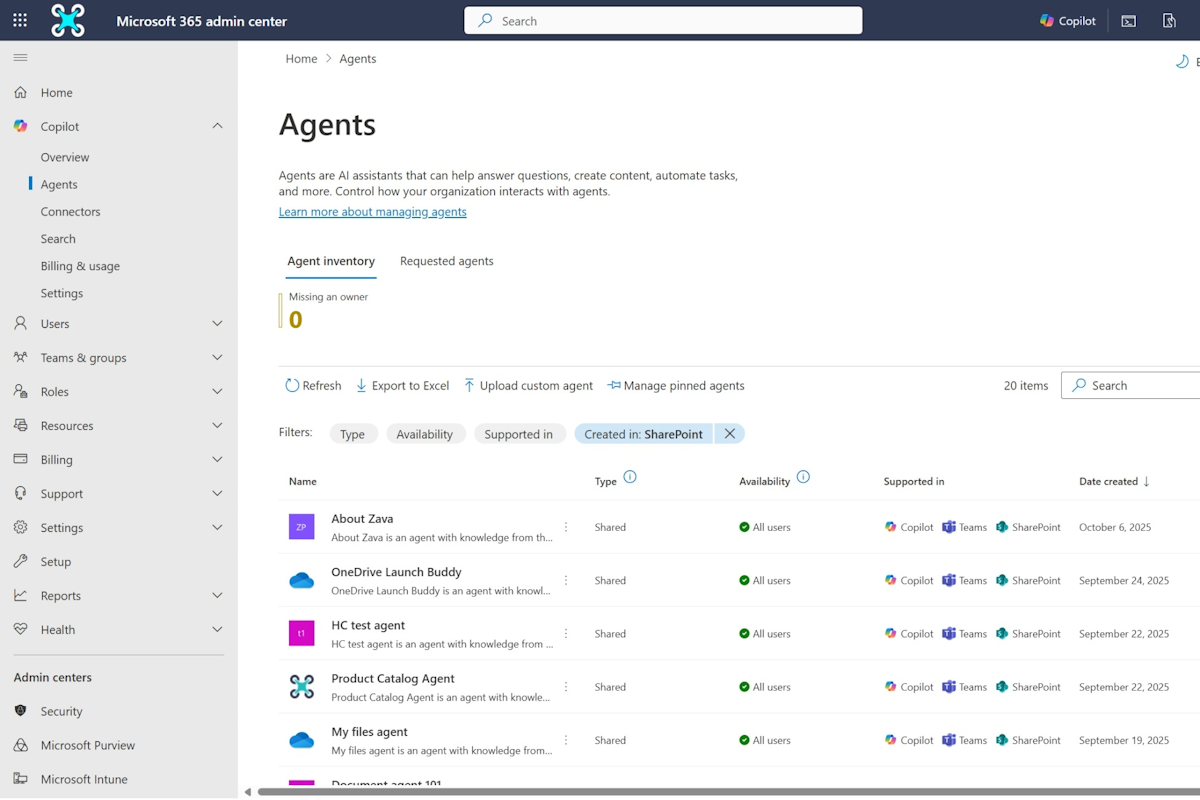
The second is an update about managing SharePoint agents in the Copilot control system. Admins will be able to view all SharePoint agents and block agents from being used in Copilot chat. This is especially useful if you need to restrict or allow certain agents within your organization.
Other than that, there’s a bunch of updates across all Microsoft 365 apps, so make sure you scroll down and check out everything that was announced.
Microsoft 365 Admin Center
Microsoft 365 admin center: Organizational Messages now supports Action Segments
Microsoft 365 admin center: Organizational Messages now supports Email messages
Microsoft 365 admin center: Organizational Messages now supports Hybrid-joined Devices
Microsoft 365 Admin Center: Admin Audit logs in Purview
Microsoft 365 Apps
Updates available for Microsoft 365 Apps for Current Channel
Microsoft 365 apps: Custom Engine Agents now available in Word, Excel, PowerPoint, and OneNote
Microsoft 365 app: Overview Page in Copilot Notebooks
Microsoft 365 Copilot
Microsoft 365 Copilot: New usage intensity metrics available in admin center report
Microsoft 365 Copilot: MCP-based agents now available in Copilot and Microsoft 365 admin center
Microsoft Copilot (Microsoft 365): Calendar Search in M365 Copilot Search
Microsoft Copilot (Microsoft 365): Video Overview in Copilot Notebooks
Microsoft Copilot (Microsoft 365): Seamless Search and Chat Integration
Microsoft Copilot (Microsoft 365): Video recap in Copilot Chat
Copilot meeting preparation improvements and expanding to more meeting types
Microsoft Copilot Studio
Microsoft Copilot Studio – Add enterprise knowledge to prompt builder with connectors
Microsoft Copilot Studio – Reassign an agent’s owner with PowerShell
Microsoft Copilot Studio – Block the use of maker-provided credentials for authentication
Microsoft Defender
Microsoft Defender for Office 365: Enhancing the quarantine email preview experience
Microsoft Defender for Cloud Apps: Improvements to threat protection capabilities
Microsoft Loop
Microsoft Loop: Copilot experience upgrade
Microsoft PowerPoint
Microsoft PowerPoint: Find and add company approved images with Organization Images
Microsoft Purview Compliance Portal
Microsoft Purview Compliance Portal: Enhancements to variant limits and detection groups
Microsoft Purview Compliance Portal: Communication Compliance-Timeline view of user activity
Microsoft Teams
Microsoft Teams: Retirement of UKG and Blue Yonder managed connectors for Shifts
Microsoft Teams: Search in Settings
Microsoft Teams: Miracast support for Teams Rooms on Windows devices
Microsoft Teams: Apps now supported in Shared Channels
Teams Search now respects hidden user attributes without requiring “Scope Search”
Microsoft Teams: Microsoft Graph APIs for Teams administration now available in beta
Microsoft Viva
Microsoft Viva Copilot Analytics launches new agent dashboard
Microsoft Viva Glint: Retaining first name and last name for deleted users
Microsoft Viva: Engage Event Analytics
Microsoft Viva: Hide a user in Viva Engage
Dynamics 365
Dynamics 365 Contact Center – Enhanced real-time translation
Dynamics 365 Apps – Upcoming permission enforcement for Dataverse Solutions
Dynamics 365 Contact Center – Use messaging APIs to manage customer chat conversations
Dynamics 365 Contact Center – Use intent to consult with a user
Dynamics 365 Contact Center – Split recordings speaker-wise in closed conversation view
Dynamics 365 Customer Service – Connect AI agents using Model Context Protocol server – updated date
Dynamics 365 Contact Center – Use optimized setting to update presence
Power Platform
Power Platform – Dataverse audit record’s CreatedOn property service change now available
Power Platform – Upcoming permission enforcement for Dataverse Solutions
Power Platform – Mask sensitive data fields with column-level security
Power Automate
Power Automate – Automate browsers using direct control without extensions
Power Automate – HTTP and Teams webhook trigger flows are moving to new URLs
Outlook
Outlook: Enhanced Search Experience in Win32
OneNote
OneNote: Copilot Notebook in OneNote iPhone and iPad
SharePoint
SharePoint: Optimizing Version History for lists and libraries
Viva Engage
Access to Non-Native Viva Engage Network Ending October 13 2025
Viva Engage: Retirement of Viva Engage Desktop Notifications
Windows
Windows Backup for Organizations is now available
Windows Office Hours: October 16, 2025
Activation keys for Windows 10 Extended Security Update might be incorrect
Exchange
Exchange ActiveSync TLS 1.3 Certificate Based Authentication Change
Other Updates
Retirement of IP-Based Location Detection in Bookmark Creation Flow
Data Privacy: Microsoft Online Services Subprocessor Disclosure
Prefer to get these updates delivered straight to your inbox?
Subscribe to the Hands-On Microsoft 365 Weekly Newsletter and never miss a thing: Subscribe here.






No comments yet