What’s new for Copilot – February 2025

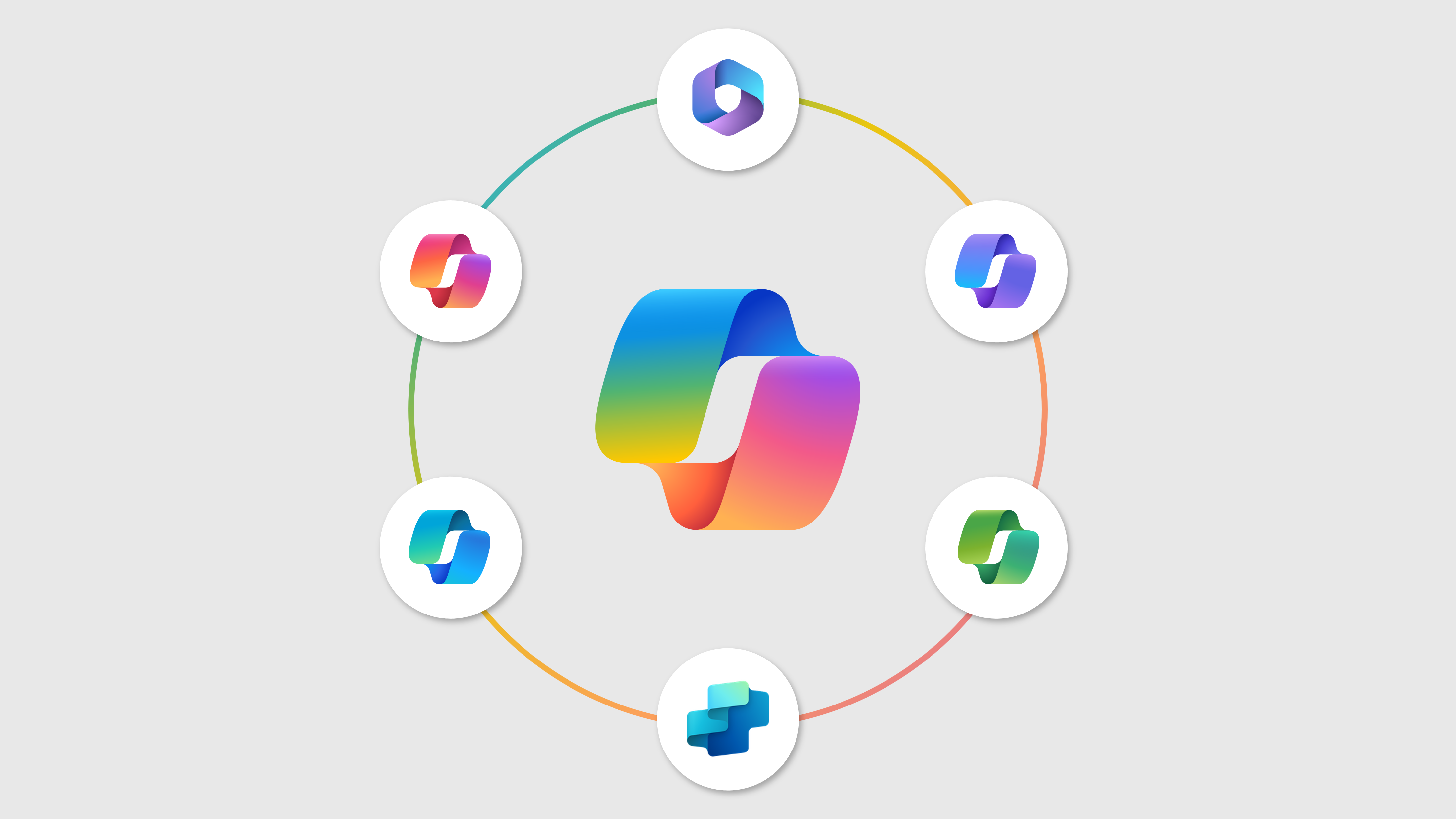
This month, Microsoft created quite a buzz by renaming Microsoft 365 to Microsoft 365 Copilot, adding a new layer of complexity for users already struggling to differentiate between the various Copilots. Thankfully, there was a small change in the logo, and the Microsoft 365 Copilot can now be distinguished by the black tag in the logo.

Despite the confusion, Copilot continued to receive numerous updates across the board, improving its integration in multiple applications. One of the highlights this month is the introduction of Rich artifacts in Copilot Pages, powered by Microsoft Loop. You can now create rich artifacts, including interactive charts, tables, complex diagrams, and code generated with Copilot from enterprise or web data. These artifacts can be added to Pages for further editing and refinement with Copilot. They are interactive and stay in sync across Microsoft 365 when shared for collaborative work.

Another notable improvement is that chat sessions will now have titles generated by large language models (LLM). This feature, which requires a Microsoft 365 license, will enhance organization and discoverability. Users can still rename or delete sessions as needed.

There’s a lot more to catch up on within the Copilot suite of products from Microsoft. Stay tuned for more updates and enhancements that will continue to improve your experience with Microsoft 365 Copilot.

(more…)

What’s new for Copilot – January 2025

The start of 2025 brings exciting new updates for Microsoft Copilot, enhancing productivity and creativity across various applications. One notable update is the Copilot in Excel with Python for Web, allowing users to perform advanced analytics using everyday language, with Copilot writing Python code and inserting it on the grid for deeper insights and stunning visuals.

Another significant feature is the Copilot in Microsoft 365 admin centers, which will be generally available by late March 2025, enhancing productivity with AI for routine tasks, insights, and maximizing Microsoft 365 investments.

Each month, Copilot continues to receive more updates, making it an indispensable tool for users. Continue reading to explore all the exciting new features and innovations.

(more…)

What’s new for Copilot – December 2024

Discover the latest updates for Microsoft 365 Copilot and related technologies from December 2024. Learn about the upcoming rename of the Copilot app, new features in Viva Insights, and enhanced capabilities Microsoft Teams channels to improve user interaction and productivity.

Stay informed and make the most of these updates by reading more about all the announcements and see how these changes can benefit you and your organization.

(more…)

What’s new for Copilot – November 2024

Keeping up with all the announcements for Microsoft Copilot across the Microsoft 365 applications can be quite a challenge. November alone brought more than 50 updates! This blog post is your one-stop destination to find all the latest Copilot features and enhancements in a single location. Dive in to stay informed and make the most of these exciting new tools.

(more…)

What’s new for Copilot – October 2024

October 2024 was a month full of exciting updates, as Copilot continues to evolve and bring innovative AI features to most of the Microsoft 365 applications you use every day. Whether you’re aiming to streamline your workflow, boost your creativity, or simply get more done in less time, there’s something in this round of updates for you.

Don’t miss out on these enhancements—adopt Copilot today and give your productivity the boost it deserves!

(more…)

Microsoft Copilot is Now Available on Telegram!

In an exciting development, Microsoft is bringing its powerful Copilot AI to platforms where users spend much of their time – social apps. This move is designed to meet users where they are, making it easier than ever to access Copilot AI capabilities in their daily communication tools.

WhatsApp users were the first to benefit from a final version of this integration, and users can now enjoy seamless assistance directly within their chats. But that’s not all. Microsoft has been working on integrating Copilot with Telegram since May.

While the full release is still in the works, eager users can already try out the beta version. This is how you can do it yourself.

Microsoft Copilot for Telegram

(more…)

Microsoft Copilot Now Available on WhatsApp!

Big news! Microsoft has just launched Copilot on WhatsApp. Yes, you read that right—you can now chat with the Microsoft AI assistant directly from your favorite messaging app. This exciting addition is perfect for new users who have never tried an AI assistant before, offering an easy and familiar way to start interacting with AI.

Personally, I’m loving it because it works asynchronously. I can ask a question, continue with other chats, and return to Copilot when the reply arrives. This flexibility makes it incredibly convenient and efficient for multitasking.

Here is how you can start using it today for free.

Microsoft Copilot Now Available on WhatsApp

(more…)

What’s new for Copilot – August 2024

August 2024 has brought a wave of exciting updates to Microsoft Copilot, enhancing its capabilities and making it an even more powerful tool for productivity and collaboration. Among the standout features this month are the automatic summary of documents and sentiment analysis capabilities, which promise to revolutionize the way users interact with their documents and data.

One of the most anticipated features is the automatic summary of documents in Microsoft Word. Now, every time you open a document, Copilot will generate a concise summary, saving you time and helping you quickly grasp the key points. This feature is perfect for busy professionals who need to stay on top of their workload without getting bogged down in lengthy documents.

(more…)

What’s new for Copilot – July 2024

As Microsoft continues to innovate, the latest updates for Microsoft Copilot bring a host of exciting new features designed to enhance productivity and user experience. From content authoring assistance in SharePoint to personalized prompt recommendations in Copilot Lab, these updates are set to transform the way we work.

These features, along with many others, were announced during July 2024, promising to make Microsoft Copilot an even more indispensable tool for users. Stay tuned and dive deeper into each of these updates and explore how they can enhance your productivity.

(more…)

Embracing Slow Productivity with Copilot and Microsoft 365

Recently, I read the Slow Productivity book from Cal Newport and it truly resonated with me. The book explains how we can achieve more without falling into the pseudo-productivity trap. While reading, I couldn’t help but think about how AI, particularly Copilot and Microsoft 365, is already helping me implement these principles. This article isn’t a detailed review of the book but rather my thoughts on how Copilot can help you avoid burnout and achieve more doing less things.

Slow Productivity

(more…)


I've been working with Microsoft Technologies over the last ten years, mainly focused on creating collaboration and productivity solutions that drive the adoption of Microsoft Modern Workplace.