February 2026 Marathon – 28 Days, 28 Blog Posts

After a year without the tradition, I decided to bring it back. Twenty-eight blog posts in twenty-eight days, one every single day of February, covering Microsoft 365 across SharePoint, Microsoft Teams, Microsoft Lists, Copilot, and this year with quite a few posts about Microsoft Places too.

I’ve done this challenge before, but this one was the hardest to finish. Not because I didn’t have enough to write about, I still have a backlog of over 100 post ideas sitting in a list waiting, but two things made pushing through genuinely tough this time.

February Blog Post Marathon

(more…)

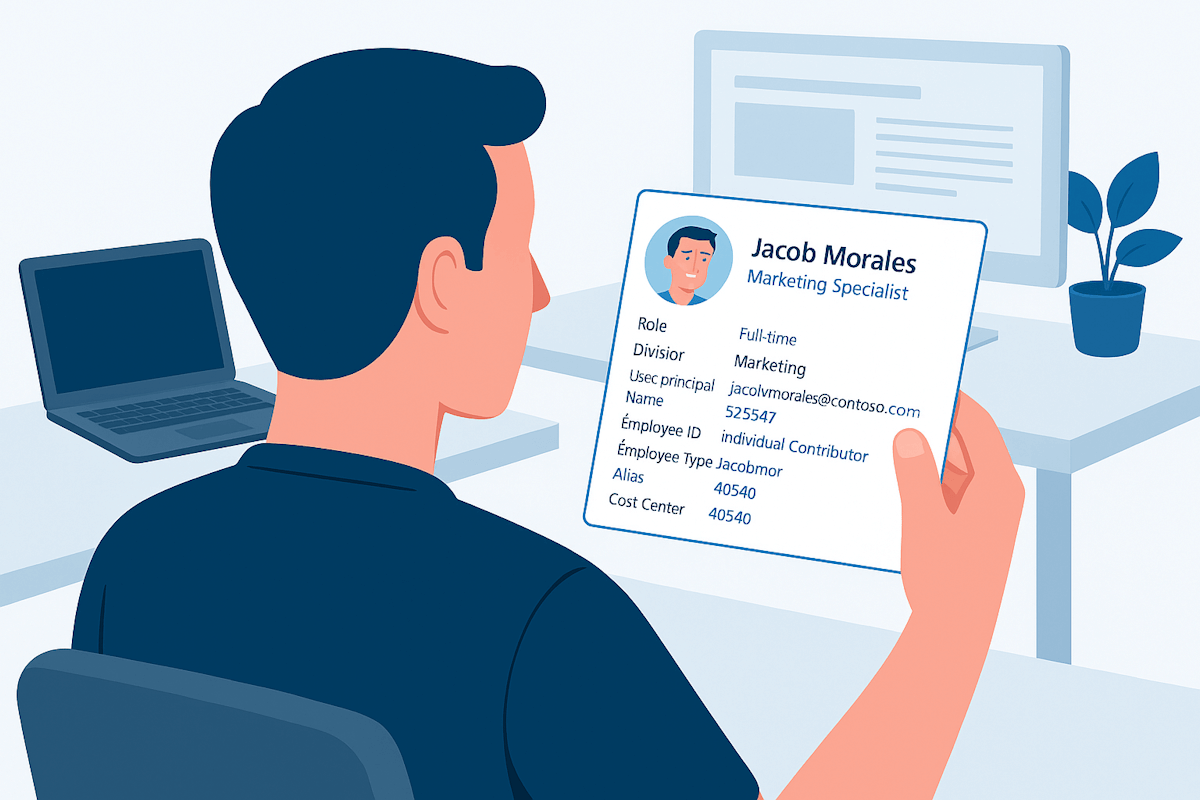
Microsoft 365 profile cards now support user information from third party systems

Microsoft 365 profile cards are one of the most consistently used surfaces across the platform. They appear in Outlook, Teams, SharePoint, Microsoft Search, and Copilot. Despite that reach, the information shown has historically been limited to a small set of identity‑centric attributes.

Microsoft has now expanded this model. Organizations can surface additional user information on profile cards and populate that data not only from Microsoft Entra ID, but also from third‑party systems, most commonly HR platforms.

Microsoft Profile Cards

(more…)

Farewell to Microsoft Delve: A New Era in Microsoft 365 begins today

Today, we bid farewell to Microsoft Delve, a tool that has been part of the Microsoft 365 ecosystem for a really long time. Delve was designed to help users discover and organize the information most relevant to them across Microsoft 365. Powered by the Office Graph, Delve provided personalized insights by mapping connections between people, content, and interactions within the organization. Over the years, Delve has played a crucial role in enhancing productivity and collaboration by making it easier to find documents, view profiles, and connect with colleagues.

Microsoft Delve Retirement

(more…)

How to turn on Bing Chat Enterprise

Microsoft just announced Bing Chat Enterprise at Microsoft Ignite, with these version, both user and business data are shielded from any leaks outside the organization, and it is guaranteed that your confidential data will not be used to train the model.

Right now, it’s in preview mode and comes free with Microsoft 365 E3, E5, Business Standard, and Business Premium subscription, if you meet the requirements and want to start using it right away check out how to turn it on for your organization.

Bing Chat Enterprise

(more…)

How to enable Microsoft Loop Public Preview

Microsoft Loop is a new co-creation experience designed to help teams collaborate more effectively. Loop allows users to bring together content, tasks, and teams across various devices and tools, enabling users to organize their thoughts, content, and resources as projects evolve.

The Loop app is entering a public preview phase and it is by default OFF since it does not yet meet all of Microsoft’s compliance capabilities. Despite this limitations if you still want to enable Microsoft Loop for your organization you must do it using a cloud policy to deploy the Loop setting to a Security Group.

How to enable Microsoft Loop Public Preview

(more…)


I've been working with Microsoft Technologies over the last ten years, mainly focused on creating collaboration and productivity solutions that drive the adoption of Microsoft Modern Workplace.

Trending Posts